
Charge a MacBook on the Road With the Right USB-C Setup
A usb-c car charger for macbook can be useful for commuting and road trips, but the right choice depends on your exact model, its normal power adapter wattage, the charger's USB-C output, and how you use the laptop. The Anker A2738 Nano listing stands out for its stated 75W output, built-in retractable Type-C cable, and MacBook compatibility wording.
View Current OfferThis page may contain affiliate links. If you purchase through them, we may earn a commission at no extra cost to you.
USB-C Car Charger Options for Different MacBook Setups
Treat the wattage in these marketplace titles as seller-stated information, then match the documented USB-C or PD output to your MacBook's normal adapter requirement. Total output alone is less useful than knowing what one USB-C connection can provide, especially when charging more than one device.
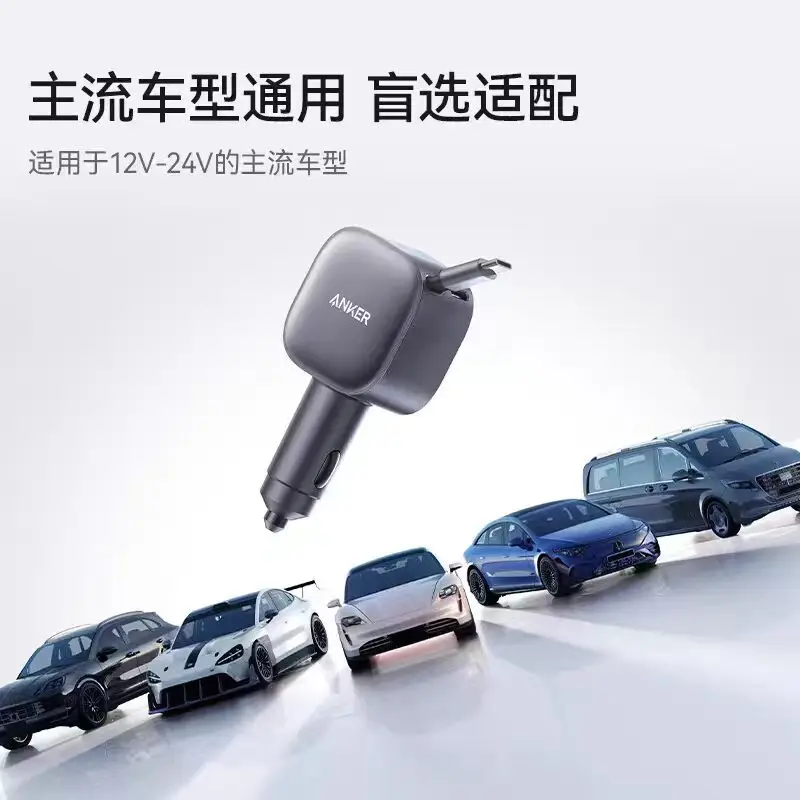
Anker A2738 Nano 75W USB-C Car Charger Built-in Retractable Type-C Cable Fast Car Adapter for iPhone Samsung MacBook
This listing is the most directly relevant choice for shoppers who want a seller-listed built-in retractable Type-C cable and MacBook compatibility wording in one car charger.
- Title lists 75W output
- Title lists a built-in retractable Type-C cable
- Title specifically mentions MacBook compatibility
The listing title does not state the cable reach or the power available through each connection.
View Current Offer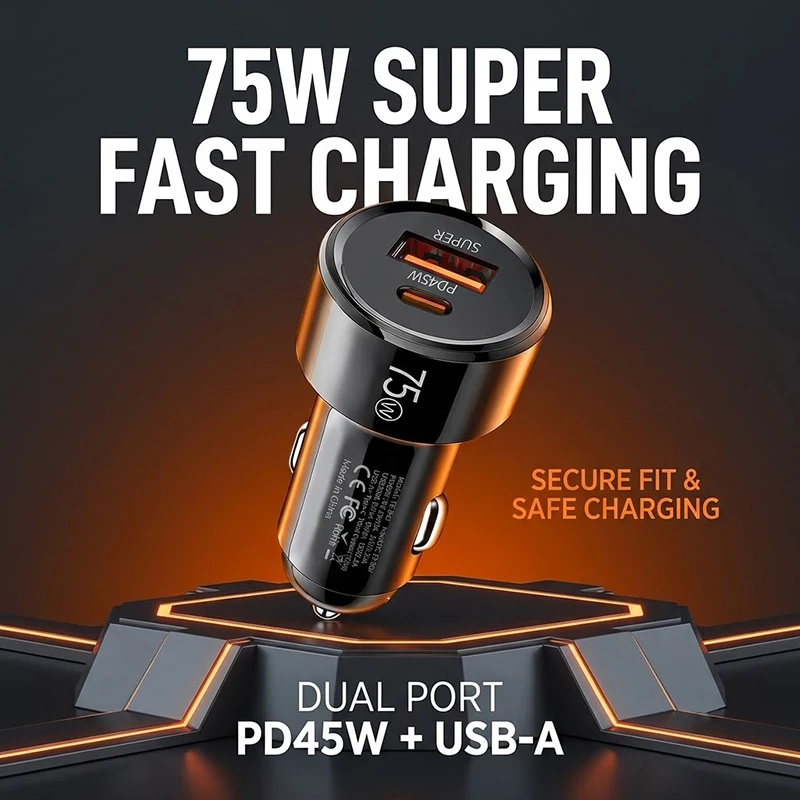
75W Dual Port Car Charger PD 45W USB C and 30W USB A Fast Charging Cigarette Lighter Adapter Smart Chip Auto Charger For iPhone
Consider this dual-port charger when a stated 45W USB-C PD port suits your MacBook's normal charging requirement and you also want a separate USB-A connection.
- Title specifies a 45W USB-C PD port
- Title lists a 30W USB-A connection
- Title identifies a dual-port design
Its stated 45W USB-C output may be a better fit for some MacBook needs than others.
View Current Offer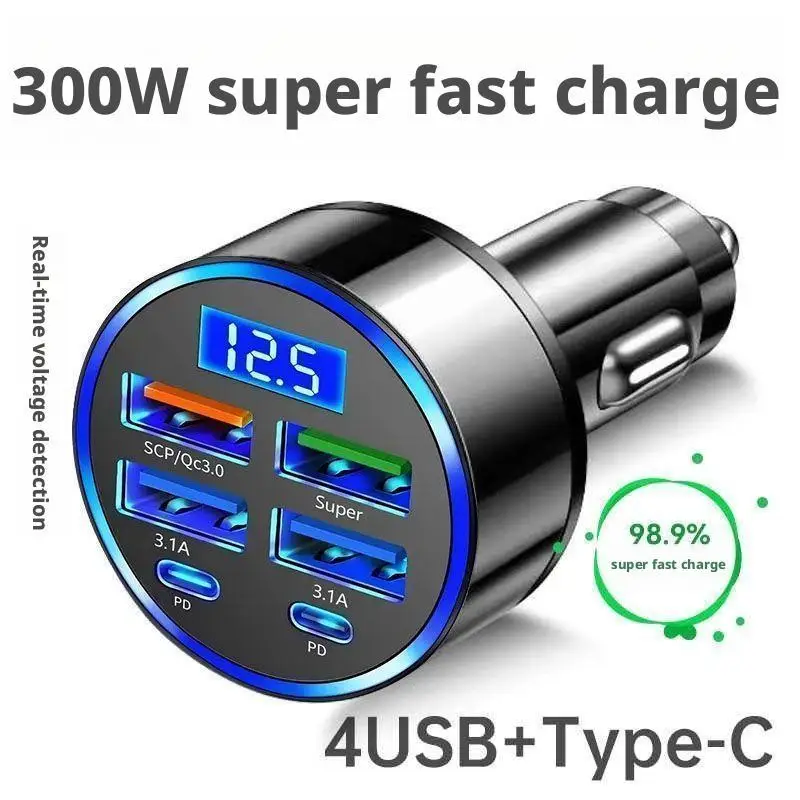
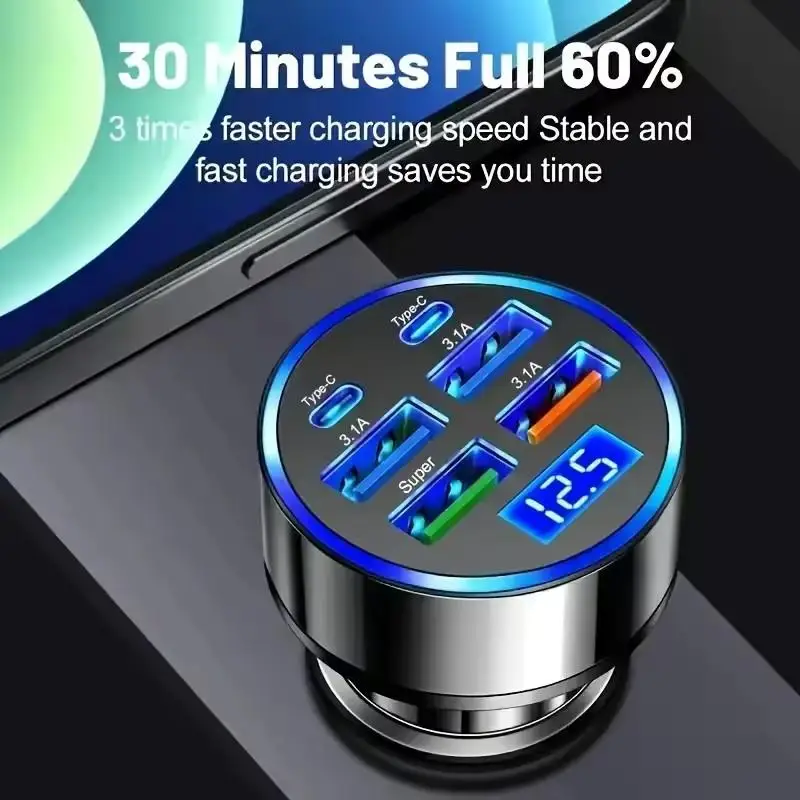
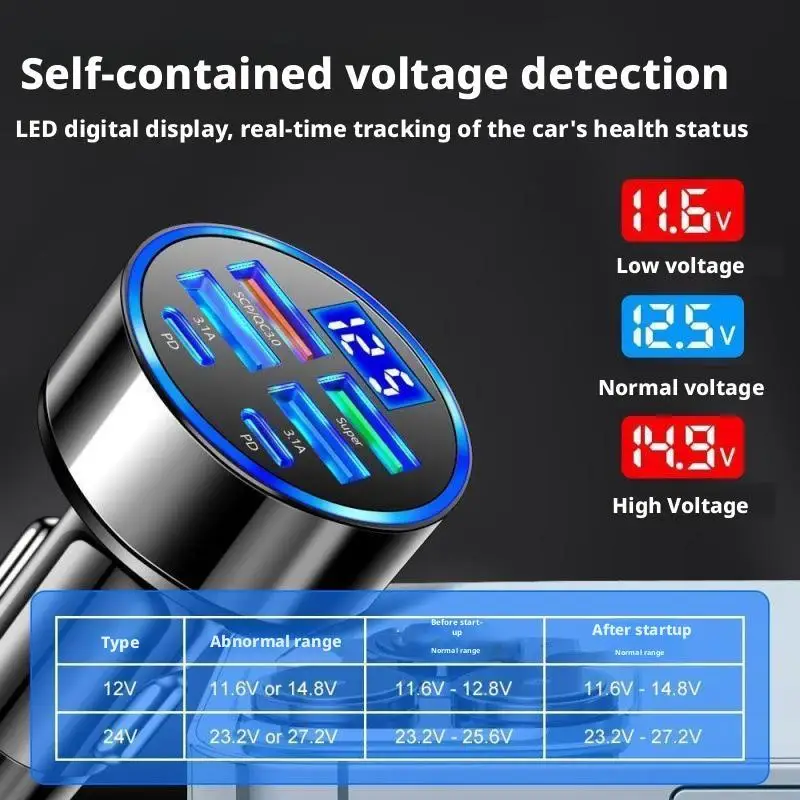
300W PD Car Charger 6 Ports Fast Charging QC3.0 USB C Car Phone Charger Type C Adapter Dual PD Super Fast with Digital Display
This six-port listing is relevant when charging several devices in the vehicle matters as much as laptop charging, with USB-C and PD wording in the title.
- Title lists six ports
- Title mentions dual PD
- Title mentions a digital display
A 300W total claim does not establish the output assigned to a single USB-C port or how power is shared.
View Current Offer
200W Mini Car Charger Fast Charging for iPhone QC3.0 Mini PD USB Type C Car Mobile Phone Charger for Xiaomi Samsung Huawei
This mini charger listing may appeal to shoppers seeking a compact format with seller-listed 200W and USB-C PD wording.
- Title lists 200W output
- Title mentions PD USB Type-C
- Title describes a mini form factor
The title does not identify the per-port USB-C output needed to judge MacBook suitability.
View Current OfferMatch Your MacBook to the Charger, Not Just the Biggest Wattage Claim
Start with your exact MacBook model. Find the wattage of its supplied power adapter on the adapter itself or in Apple’s model-specific documentation, then compare that figure with the charger’s stated USB-C or USB-C PD output. A USB-C connector by itself does not establish laptop-ready power: USB-C Power Delivery is the system through which the charger, cable, and MacBook negotiate a compatible level of power.<br><br><strong>Quick pre-purchase checklist</strong><br>• Identify the exact MacBook model.<br>• Find its usual adapter wattage in Apple documentation or on the supplied adapter.<br>• Look for the charger’s stated USB-C or PD output, not only a total-wattage headline.<br>• If charging a phone too, look for stated simultaneous-use power allocation.<br>• Make sure the cable has suitable stated power capability and enough reach from the vehicle outlet.<br><br>A lower-output charger can still add power or help maintain battery during light use. It may charge more slowly, however, and a demanding workload can draw more power than the charger supplies.
Plan for Workload, Cable Reach, and Shared Charging
Think about what the MacBook will be doing in the car. Light tasks such as reading, browsing, or basic navigation support can have different power demands from video calls, photo or video work, external accessories, or other intensive activity. For active work, prioritize a charger with a clearly documented single-port USB-C output that matches your model’s needs.<br><br>The featured Anker A2738 Nano listing is most relevant if the seller-listed retractable Type-C cable and MacBook compatibility wording are your priorities. A retractable cable can simplify a tidy everyday setup, while a separate USB-C cable may be preferable when you need a particular length or a cable with a stated power capability. Keep the cable clear of driving controls, do not use damaged cables or loose connections, and consult your vehicle manual for outlet-related guidance.<br><br>For simultaneous laptop and phone charging, choose based on documented output allocation rather than a large combined wattage number. Shoppers who need known longer cable reach, documented per-port power during shared charging, or more clearly supported high-power operation should choose a setup that explicitly documents those details.
USB-C Car Charger for MacBook FAQ
Will a USB-C car charger charge a MacBook?
It can, provided the charger, cable, and MacBook support compatible USB-C Power Delivery and the available USB-C output is appropriate for that MacBook model. A charger with less power may still charge slowly or help maintain battery during light use.
Is 75W enough for my MacBook?
That depends on the exact MacBook and its normal adapter wattage. Compare your model’s supplied adapter or Apple documentation with the charger’s stated USB-C output. The featured listing states 75W, but its title does not explain per-connection output details.
Will a MacBook charge while I am using it in the car?
Possibly, but the result depends on available charger power and the laptop’s workload. With heavier work, the MacBook can use power as quickly as, or faster than, the car charger provides.
Does a USB-C cable need to support a certain wattage for MacBook charging?
Yes. The cable must support the power level negotiated by the charger and MacBook. Use a cable with an appropriate stated power capability, and consider cable length and connector condition for an in-car setup.
Can I charge my MacBook and phone from the same car charger?
Yes, if the charger offers the required connections, but shared charging can change the power available to each device. Look for stated simultaneous-use or per-port output allocation when this is important.
Choose the Setup That Matches Your MacBook Use
The Anker A2738 Nano listing is a focused option for shoppers who value a seller-listed retractable Type-C cable and MacBook compatibility wording. Choose a charger with explicitly documented USB-C per-port output and shared-power behavior instead when your work demands, multi-device charging, or cable-reach needs require that clarity.
View Current Offer