
Choose the Right Wi-Fi 7 Setup for Demanding Streaming
A wi-fi 7 router for 8k streaming can be part of a stronger home setup, but smooth playback also depends on the streaming service, source device, display, internet connection, and conditions inside your home.
View Current OfferThis page may contain affiliate links. If you purchase through them, we may earn a commission at no extra cost to you.
Wi-Fi 7 Router Options to Match Different Network Priorities
These marketplace listings show several useful configuration differences. Treat stated wireless speeds, coverage figures, and feature claims as listing information, then confirm device support, port assignments, firmware features, and return terms before ordering.
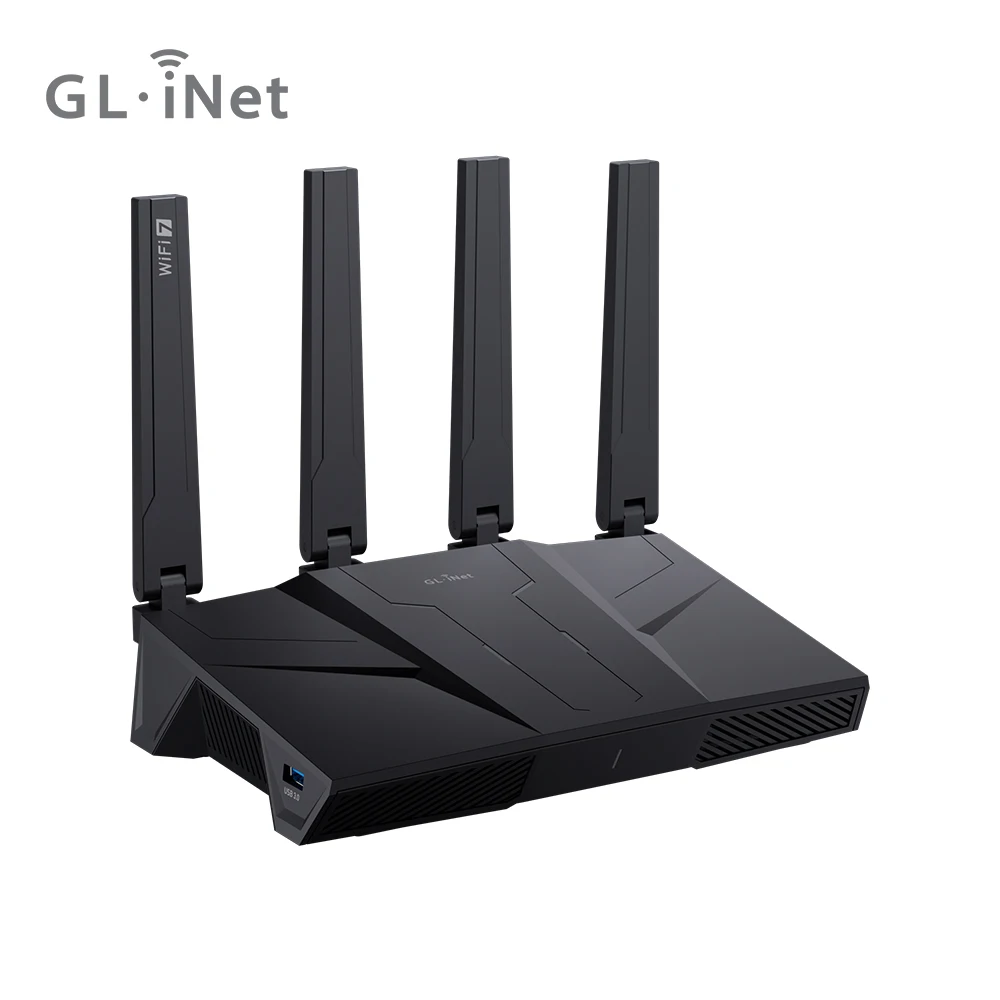
GL.iNet GL-BE9300 Flint 3 Tri-Band Wi-Fi 7 Router for Wireless Internet 5 x 2.5G VPN Router High Speed Gaming Long Range 6GHz Home Wirelss Router, 9 Gbps Wireless Speed for Smooth 8K Streaming, Low-latency Gaming Video Calls
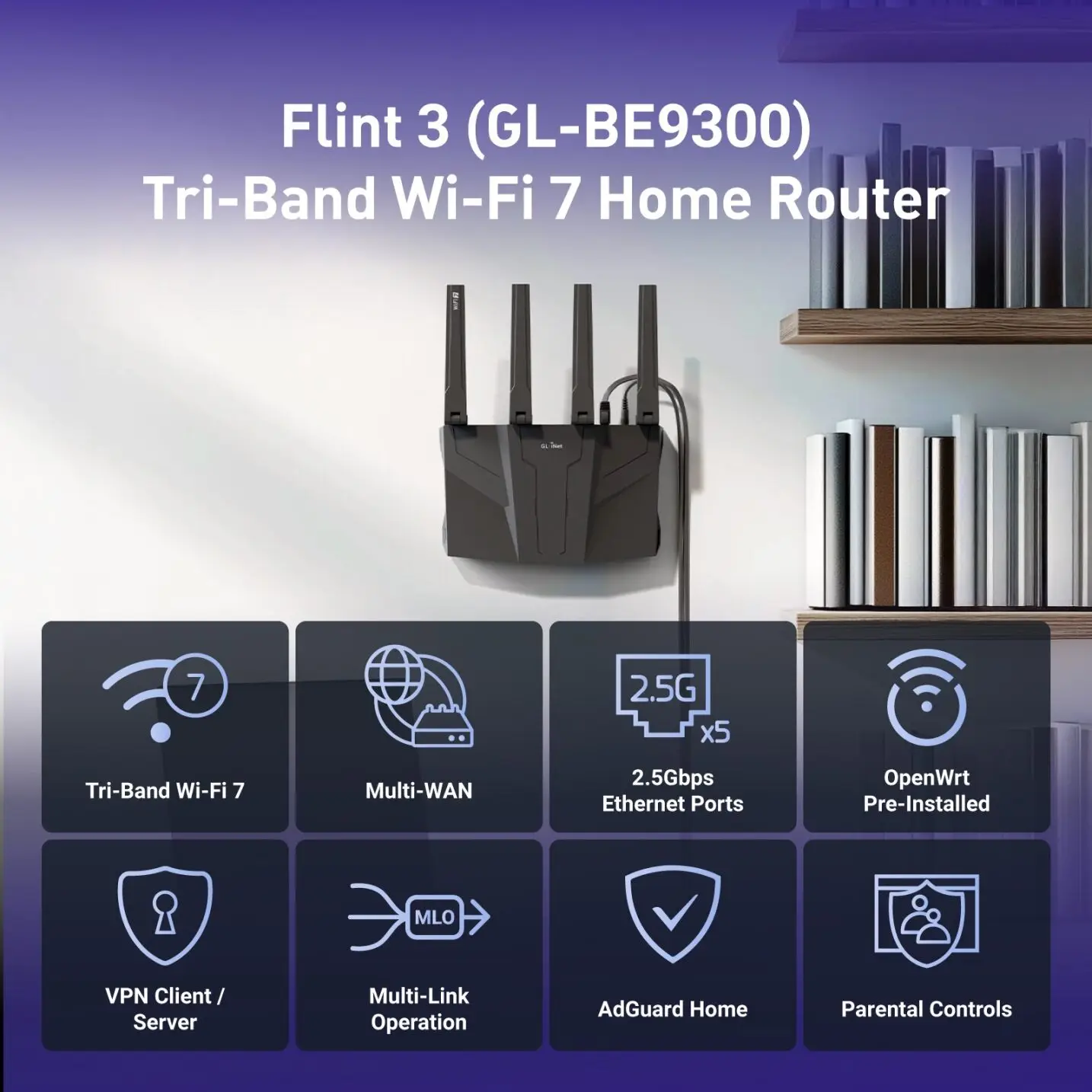
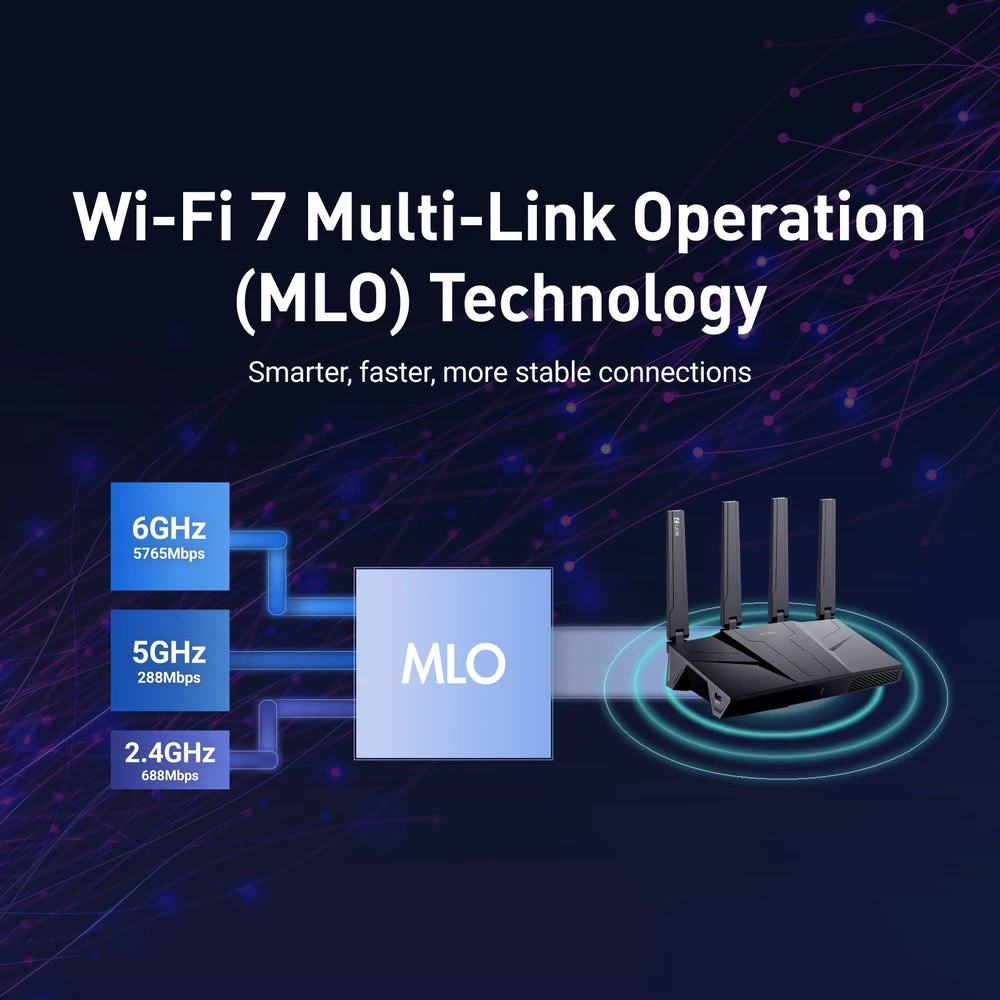
The GL.iNet GL-BE9300 Flint 3 is relevant for homes that want tri-band Wi-Fi 7, a listed 6 GHz band, and several 2.5G connections for wired network equipment.
- Tri-band Wi-Fi 7 listed
- 6 GHz listed
- Five 2.5G ports listed
- VPN-router positioning listed
Its up-to-9-Gbps wireless figure is a seller-stated maximum, not a guarantee of in-home streaming performance.
View Current Offer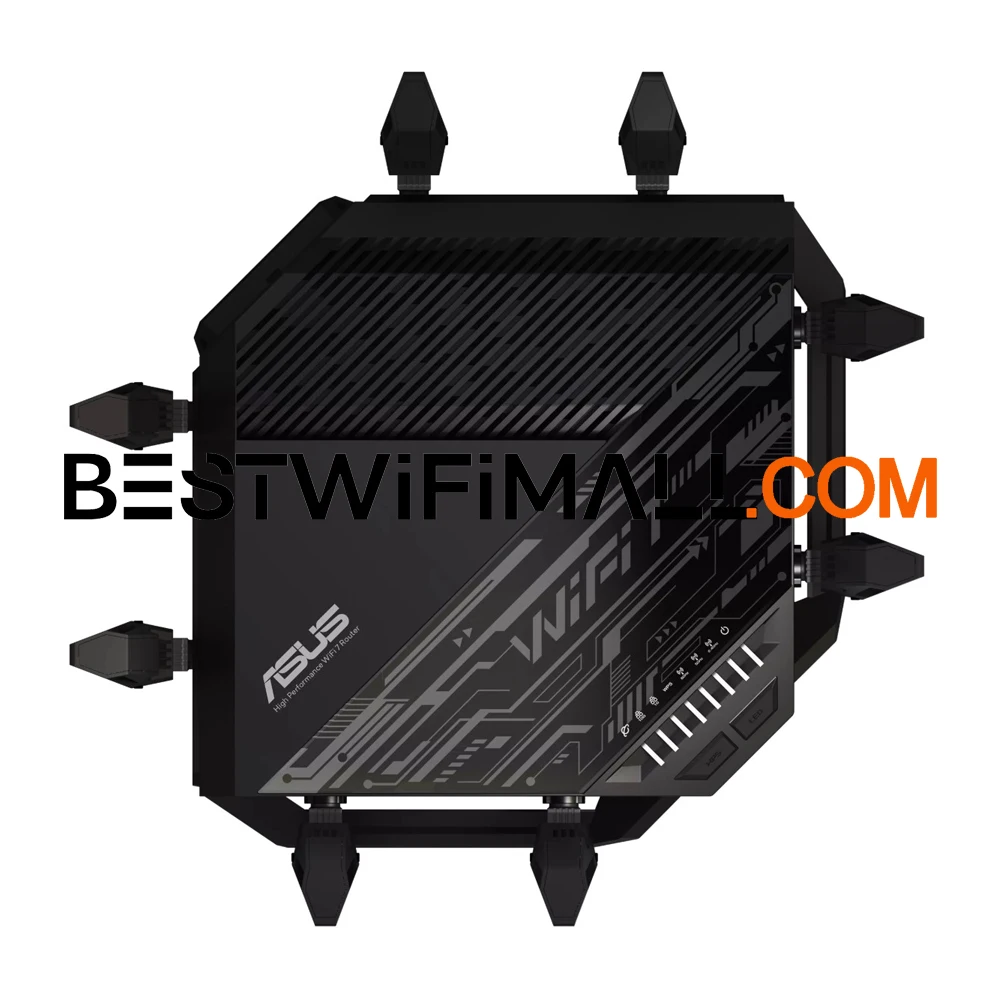
ASUS RT-BE96U BE19000 WiFi 7 Router Tri-Band 320MHz Bandwidth 4096-QAM Multi-Link Operation (MLO), Dual 10G Ports AiMesh
The ASUS RT-BE96U listing may suit shoppers prioritizing high-speed wired links alongside tri-band Wi-Fi 7 features.
- Tri-band Wi-Fi 7 listed
- Dual 10G ports listed
- 320 MHz bandwidth listed
- Multi-Link Operation listed
Confirm which devices and network components can use its listed 10G ports and Wi-Fi 7 features.
View Current Offer
US Shipping Nighthawk WiFi 7 Router BE17000 17 Gbps Wireless Speed 10 Gig Internet Port Tri-Band Gaming Covers 3300 sq ft 150
This Nighthawk BE17000 listing is a potential fit when a 10 Gig internet port and tri-band design are priorities for a high-demand household.
- Tri-band design listed
- 10 Gig internet port listed
- Wireless speed claim listed
- Gaming positioning listed
The listing's coverage and device-capacity claims will vary with layout, obstacles, and connected clients.
View Current Offer
Xiaomi WiFi 7 Router BE3600 Gigabit Version 2.4/5GHz Double Bands 160Mhz 3570Mbps Mesh Networking Gaming Acceleration
The Xiaomi BE3600 is a more basic documented Wi-Fi 7 option for shoppers considering dual-band networking and mesh capability rather than a listed tri-band or 6 GHz setup.
- Wi-Fi 7 listed
- Dual-band 2.4 GHz and 5 GHz design listed
- 160 MHz support listed
- Mesh networking listed
It is listed as dual-band, so it does not offer a listed 6 GHz band.
View Current OfferWhat Matters Most for 8K Streaming at Home
Start with the whole streaming path rather than the router label alone. An 8K stream can be limited by the service's available format and bitrate, the streaming device or TV, your internet service, the connection between the router and playback device, and local network traffic. Wi-Fi 7 does not itself guarantee 8K playback. For router selection, look for a band configuration that suits your clients, adequate coverage for the room where you watch, and ports that fit the rest of your network. Tri-band models can add flexibility when many devices are active. A listed 6 GHz band can be useful for compatible nearby devices, but walls, distance, and client support still matter. Check whether the streaming device actually supports Wi-Fi 7 or 6 GHz before treating those features as a direct benefit. For a fixed TV, media player, or local-media device, wired Ethernet is often the simplest way to avoid wireless distance and interference concerns. Wireless can still be practical where cabling is not feasible, especially with a strong signal and compatible client. Test the existing wired link and internet service first if playback is inconsistent.
Match Ports, Placement, and Devices Before Paying for More Speed
Port choice matters most when your connection or local network can use it. A 2.5G or 10G port may be relevant for a multi-gig internet plan, a network-attached storage device, a high-speed switch, or rapid local transfers. It does not mean every 8K stream needs multi-gig internet, and a fast router port cannot make a slower device port run faster. Place a router in an open, central location when possible rather than inside a cabinet or behind dense obstructions. Keep it away from major sources of interference where practical. In a larger home, assess whether one router can reach the viewing area reliably or whether a mesh or wired-backhaul plan is more appropriate. Before buying, make a short compatibility checklist: the bands supported by your streaming clients, the speed of your internet plan, the Ethernet ports on the TV or media player, any NAS or switch connections, and whether you need VPN-related router functions. Also check current firmware support, setup documentation, warranty, and return details in the listing.
Wi-Fi 7 Router Questions for 8K Streaming
Do I need Wi-Fi 7 for 8K streaming?
Not necessarily. The appropriate setup depends on the streaming service, source device, display, internet connection, and home network. A stable wired connection or a well-positioned existing router may be sufficient in some homes.
Does Wi-Fi 7 guarantee smooth 8K streaming?
No. Wi-Fi 7 is only one link in the chain. Client compatibility, signal strength, interference, internet performance, service availability, and local network activity can all affect playback.
Is 6 GHz necessary for 8K streaming?
No. A 6 GHz band may be helpful for compatible devices in suitable conditions because it can offer another connection option, but it is not required for every 8K setup. Range and walls can affect it.
Do I need a 2.5GbE port for 8K streaming?
Not for every setup. A 2.5GbE port is most relevant when you have multi-gig internet, fast local storage, or other network equipment that supports that speed. Confirm the ports on both ends of a wired connection.
Should an 8K TV or streaming device use Ethernet or Wi-Fi?
Use Ethernet when a practical cable route is available for a fixed device and the ports meet your needs. Use Wi-Fi when cabling is impractical, while prioritizing signal quality, placement, and compatibility.
Are older Wi-Fi devices compatible with a Wi-Fi 7 router?
Many Wi-Fi 7 routers are designed to work with older Wi-Fi generations, but the older device will use the standards and features it supports. Check the specific router listing and your device documentation for compatibility details.
What should I check before buying the GL.iNet GL-BE9300 Flint 3?
Confirm that its listed tri-band design, 6 GHz support, five 2.5G ports, and VPN-router positioning match your devices and network plan. Also verify current port details, firmware options, setup requirements, warranty, and return terms in the live listing.
A Clear Buying Path for High-Demand Streaming
Choose a router around the slowest meaningful link in your setup, not a headline speed alone. The GL.iNet GL-BE9300 Flint 3 is worth considering if its listed tri-band Wi-Fi 7 design, 6 GHz support, five 2.5G ports, and VPN-router focus fit a home that combines streaming with wired devices, gaming, or video calls.
View Current Offer