
4-Port USB Car Charger Review for Extension-Cable Setups
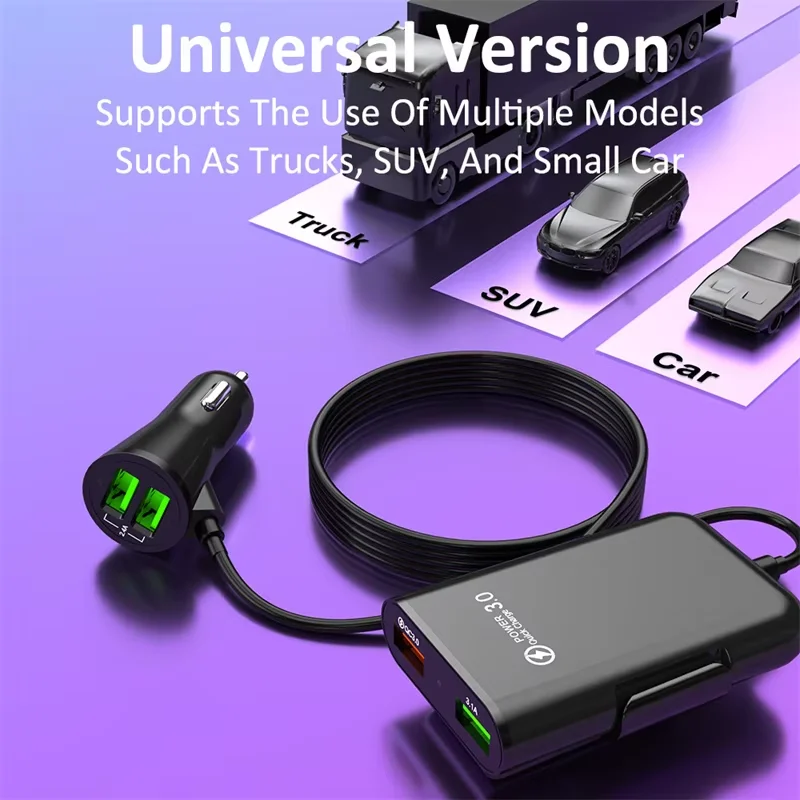
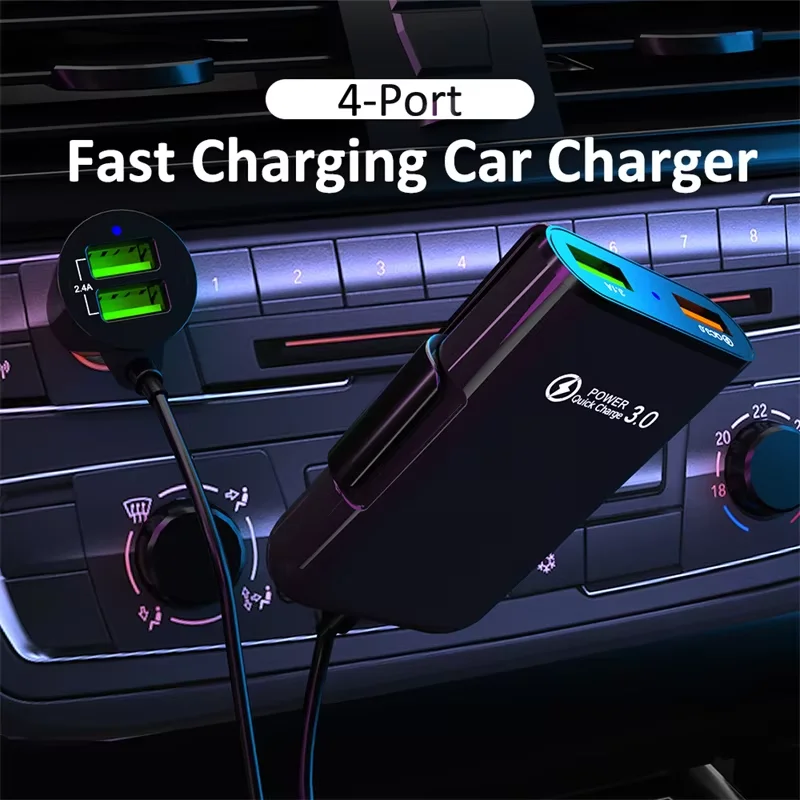
This 4 port usb car charger review helps drivers decide whether an extension-style charger is a practical way to bring power closer to passengers and devices. The featured unbranded model is marketed with four USB ports, QC 3.0 labeling, an extension cable, and stated support for 12V and 24V vehicle sockets.
View Current OfferThis page may contain affiliate links. If you purchase through them, we may earn a commission at no extra cost to you.
4-Port USB Car Charger at a Glance
Who Should Choose This Extension-Style Car Charger?
This is a format-led choice rather than a simple plug-in charger for one phone. Its stated four-port layout and extension cable are aimed at vehicles where the power socket is inconveniently located, such as a front console that needs to serve rear passengers, a dashboard device, or several people sharing charging access on longer drives.
The strongest reason to consider this style is placement flexibility. A compact charger that sits directly in the vehicle socket keeps the setup tidy, but it can leave cables stretching across the cabin. An extension-style unit can move the charging point closer to where devices are used, provided the cable can be routed cleanly and safely.
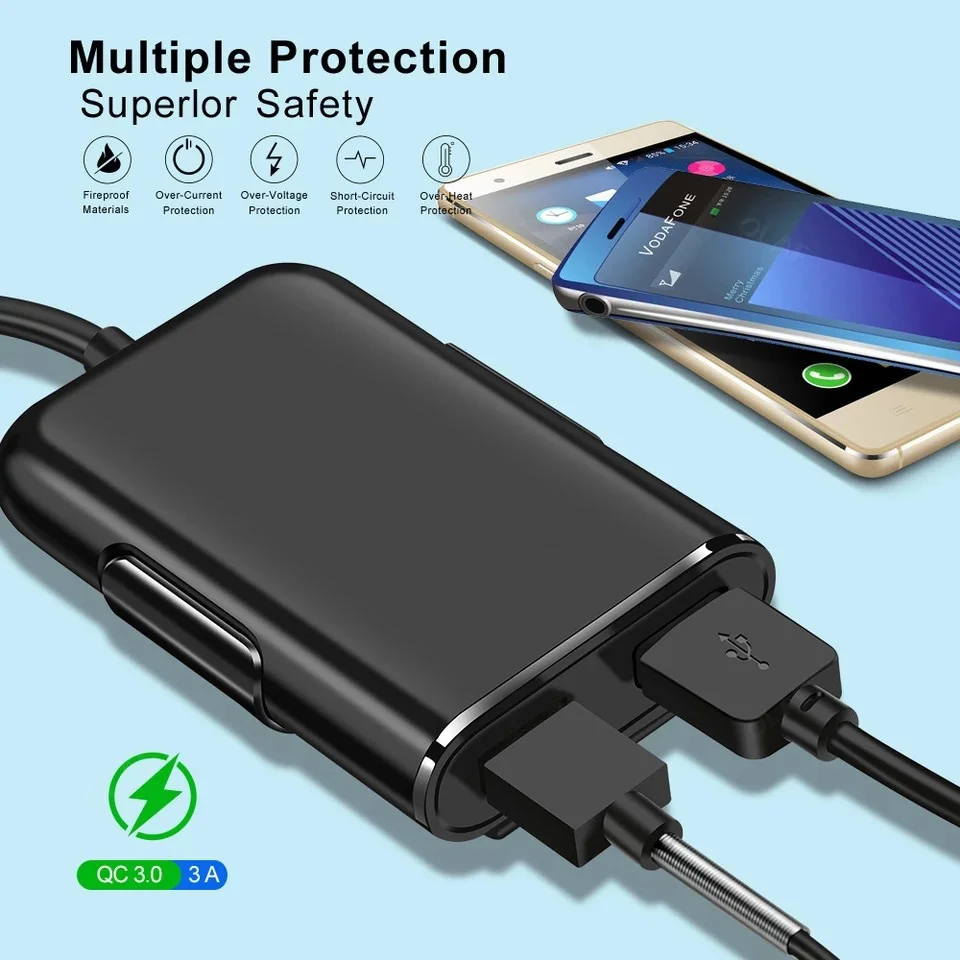
The product title states a total output claim and QC 3.0 support. That makes it a potentially sensible fit for several everyday USB-powered devices, but four physical ports do not mean every connected device will receive the same charging behavior. Device demand, cable quality, and the charger's power allocation all affect the result when multiple devices are connected.
Choose this type of charger for a front-to-rear access problem or for several low-to-moderate everyday USB devices. A compact socket charger is the cleaner option for a simple front-seat setup, while a clearly specified USB-C charger is the better direction when modern high-power charging is the main priority.
Reasons to Consider It
- Four USB ports can reduce the need to rotate devices through a single charger.
- The extension-cable design can make charging access more convenient away from the vehicle socket.
- The product is marketed for both 12V and 24V vehicle power sockets.
- QC 3.0 labeling may be useful with compatible charging devices and cables.
Reasons to Choose Another Format
- An extension cable adds routing and cabin-clutter considerations.
- Simultaneous charging speed and per-port power allocation are not established by the supplied product details.
- This is not the most streamlined choice for a single front-seat phone.
- Drivers seeking USB-C high-power charging should choose a charger with that capability clearly specified.
See Whether the Layout Fits Your Vehicle
Check the current listing for stated port details, cable length, and vehicle compatibility.
View Current OfferWhy the Extension Cable Changes the Setup
The extension cable is the defining feature here. Instead of leaving every charging cable anchored at the vehicle socket, it gives you the option to place the charging hub nearer the dashboard, center area, or rear-seat reach. That can make a meaningful difference in family vehicles, rideshare use, and road-trip setups where more than one device needs access. Placement still matters. Route the cable so it does not obstruct pedals, gear selection, steering movement, airbags, seat adjustment, or important controls. Avoid loose cable runs where passengers could snag them. For a dash cam, the format may be useful only if its connector, power needs, and cable route suit the installation, and if the vehicle socket's parked-power behavior matches the intended use. QC 3.0 is a fast-charging standard that requires a compatible device and charging path to provide its intended benefit. Compatible Android devices may use it when the phone and cable support it. iPhones and devices using other charging standards can still charge through a USB port, but should not be expected to use QC 3.0 in the same way.
Before You Buy: The Short Checklist
Use this compact checklist to avoid a mismatch: • Check the connector and port layout against the devices you intend to charge. • Check whether the extension-cable length suits the route from your vehicle socket to the desired charging position. • Review the stated total output and any per-port allocation details, especially if several devices will charge together. • Check which charging protocols are explicitly listed for your devices. • Make sure the stated 12V or 24V compatibility matches your vehicle's electrical system and that the socket is in good condition. • Review included accessories, return terms, and warranty information before ordering. For 12V passenger vehicles and 24V trucks, the product title states compatibility with both systems. That is useful positioning, but a charger should always be matched to the vehicle it will actually serve rather than chosen on connector fit alone.
Frequently Asked Questions
Is a 4-port USB car charger safe to use in a 12V vehicle?
This model is marketed for 12V vehicle sockets. Use it only with a suitable, properly functioning socket, and route the extension cable so it cannot interfere with driving controls or safety equipment.
Will all four USB ports charge devices at the same speed?
Not necessarily. Charging behavior during simultaneous use depends on the charger's power allocation, the connected devices, and the cables in use. Check the stated per-port details if equal or fast charging across several devices matters to you.
Does QC 3.0 work with iPhone and Android phones?
QC 3.0 is most relevant to compatible devices, commonly including some Android phones. An iPhone can charge from a USB port, but it does not use QC 3.0 in the same way as a Quick Charge-compatible device.
Can I use this 4-port car charger in a 24V truck?
The product title states 24V compatibility, so it is positioned for suitable truck or commercial-vehicle sockets as well as 12V systems. Match it to your vehicle's electrical system before purchase.
Is an extension-cable car charger suitable for a dash cam?
It can be useful when the cable route and connector arrangement fit the installation. Check the dash cam's power requirements and consider whether the vehicle socket remains powered when parked if recording while parked is important.
The Bottom Line
This charger makes the most sense when access matters as much as port count: rear passengers, shared devices, or a charging point positioned away from the socket. Choose a compact model for a simple front-seat setup, or a clearly specified USB-C model when high-power charging is the priority. Use the checklist above to make sure the layout matches your vehicle.
View Current Offer