
GL.iNet Flint 3 Wi-Fi 7 Gaming Router Review
This wi-fi 7 gaming router review looks at the GL.iNet Flint 3 for players who want 6 GHz wireless, multiple 2.5GbE connections, and router-level VPN options in one setup.
View Current OfferThis page may contain affiliate links. If you purchase through them, we may earn a commission at no extra cost to you.
GL.iNet Flint 3 at a Glance
Who Should Consider the GL.iNet Flint 3 for Gaming?
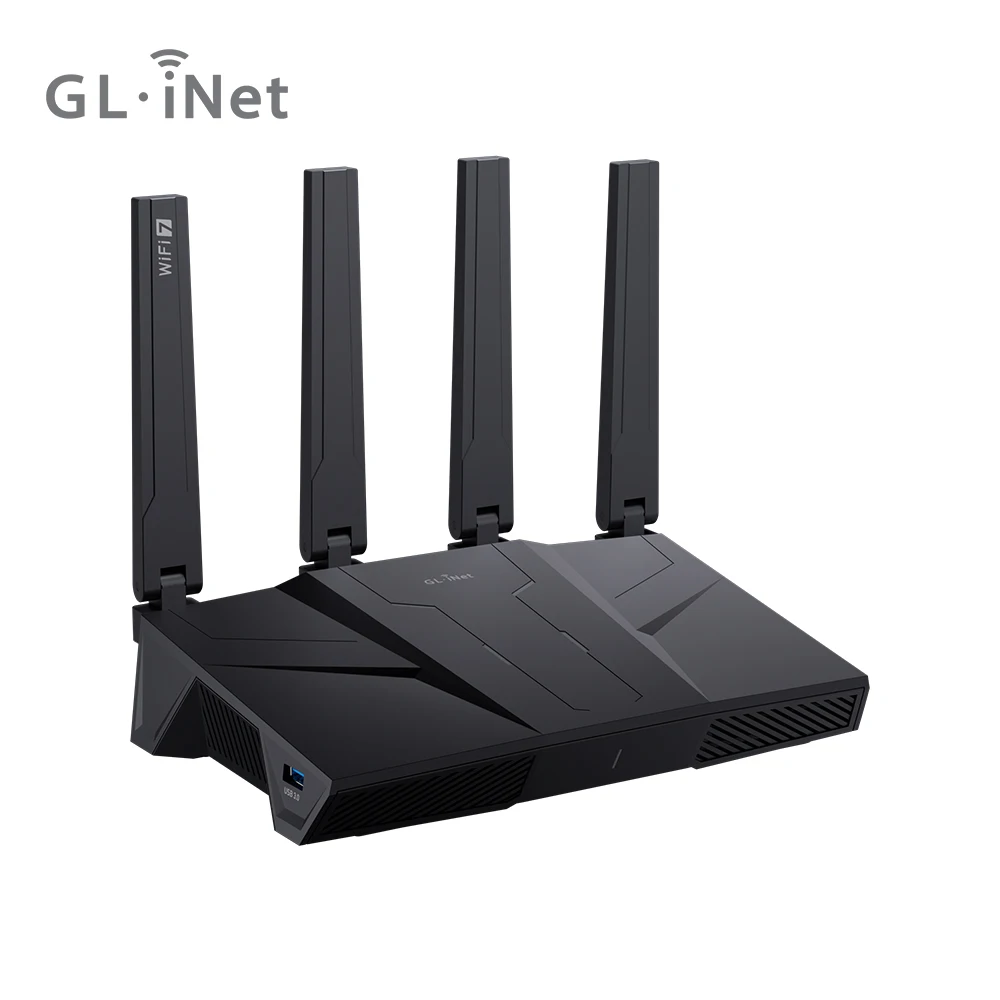
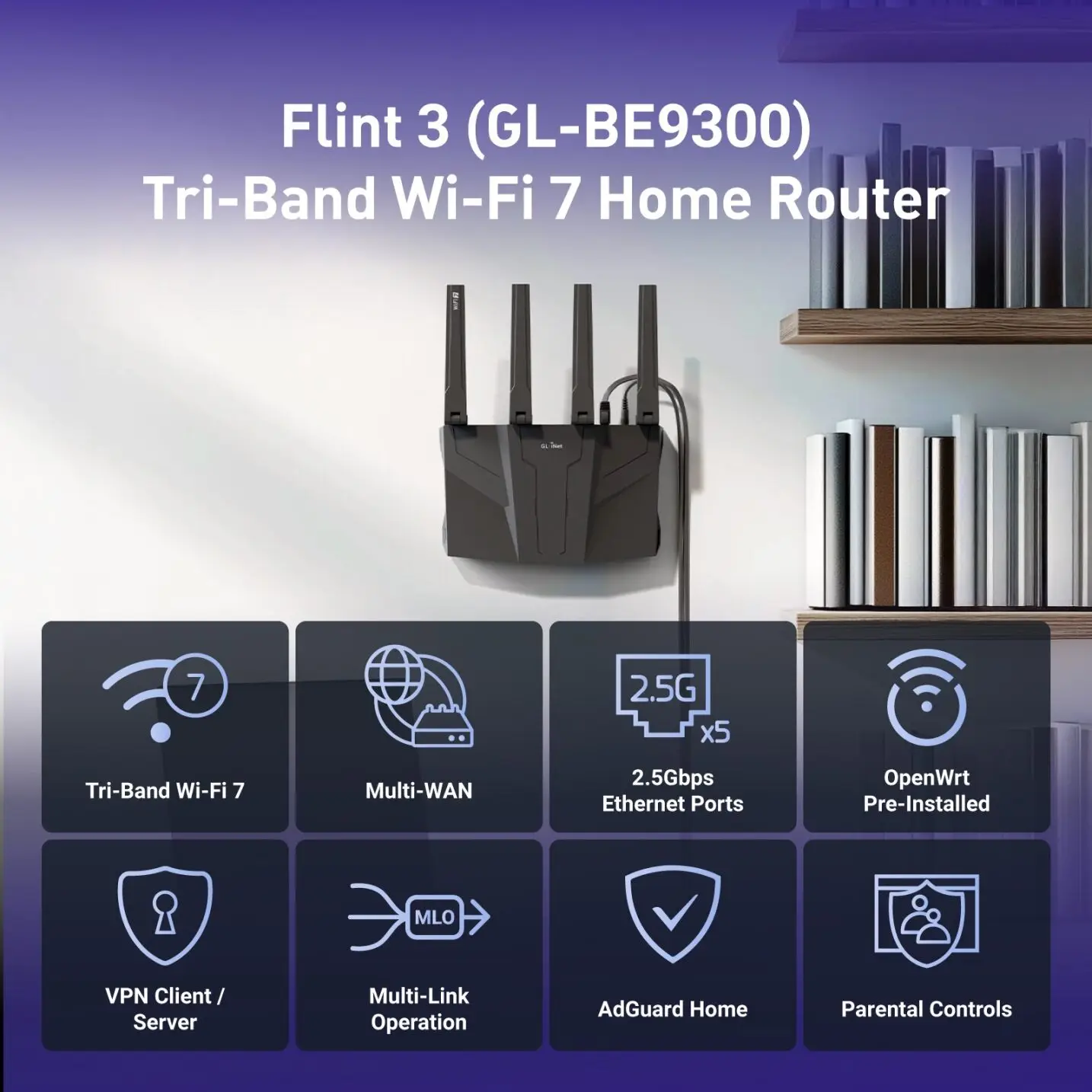
The GL.iNet Flint 3, also identified as the GL-BE9300, is positioned as a feature-rich tri-band Wi-Fi 7 router rather than a basic replacement for an older home router. Its marketplace listing describes 6 GHz support, five 2.5GbE ports, and VPN-router functionality. That combination makes it most relevant to households planning a mixed network with wired gaming devices, newer wireless clients, and more demanding local connectivity.
The five 2.5GbE ports are the clearest reason to look closely at this model. They can offer useful flexibility when a multi-gig modem or ONT, gaming PC, NAS, switch, or access point all need faster wired links. A console or PC connected by Ethernet can also avoid relying on wireless conditions for play. Still, the practical benefit depends on the port capabilities of every connected device, the internet handoff from the provider, and suitable cabling.
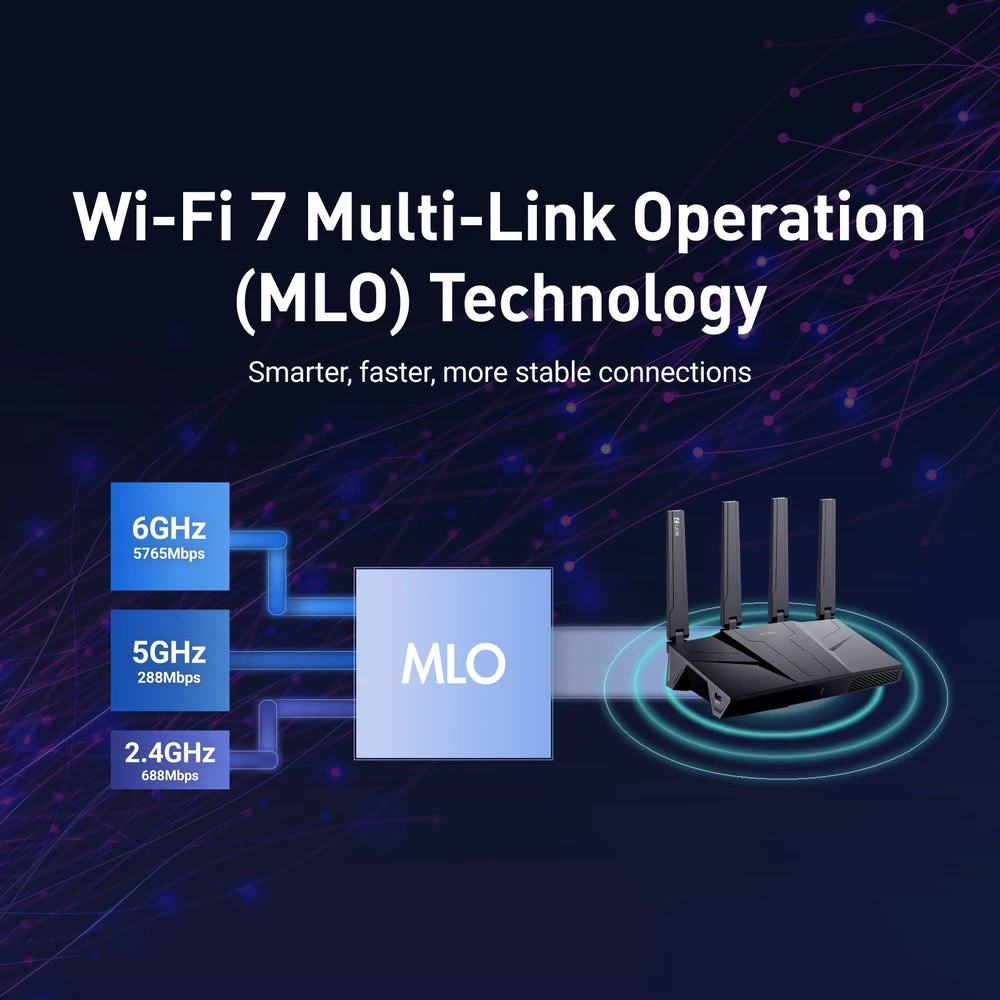
Its tri-band design and 6 GHz capability are appealing for homes that already have compatible Wi-Fi 7 or 6 GHz devices. The additional band may help organize a busy wireless setup, but it is not an automatic fix for game-server distance, ISP congestion, poor routing beyond the home, or a weak client adapter. Placement, walls, client hardware, and whether a device can be wired remain central to the result.
VPN functionality adds another reason this router may suit technically minded users or households that want a router-level VPN workflow. It is worth remembering that a VPN changes the route your traffic takes, so it can help with specific privacy or access needs while also affecting connection performance. Confirm the supported protocols, provider compatibility, regional requirements, and current firmware documentation before making it the foundation of a gaming setup.
Overall, the Flint 3 is a strong candidate for a buyer who can actually use its connectivity: multi-gig wired equipment, current wireless clients, and an interest in VPN configuration. It is likely excessive for a modest internet plan, a home with no 6 GHz-capable devices, or anyone who simply needs basic Wi-Fi coverage. Its value is in the breadth of the listed hardware and networking options, not in a promise that a router alone will transform online gaming.
Reasons to Consider It
- Listed as a tri-band Wi-Fi 7 router with 6 GHz support
- Five 2.5GbE ports can suit a multi-device wired network
- VPN-router functionality may appeal to users who want network-level configuration
- Potentially useful for a home combining wired gaming gear and newer wireless clients
Points to Check First
- Compatible client devices are needed to make use of Wi-Fi 7 and 6 GHz
- A router cannot resolve game-server latency, ISP routing, or internet congestion
- VPN routing can change connection behavior and may not suit every game or provider
- Port roles, ISP handoff, cabling, and firmware support should be confirmed before purchase
Check the Current Flint 3 Listing
Review the current offer and product details, then confirm that the listed port configuration and included accessories fit your planned network.
View Current OfferPlanning a Wired and Wireless Gaming Setup
A practical Flint 3 setup starts with mapping every connection. Confirm whether the internet provider supplies an Ethernet handoff from a modem or ONT, whether that handoff supports multi-gig speeds, and which router port will be used for it. Then list the devices that benefit most from wired connections, such as a gaming PC, console, NAS, desktop workstation, switch, or access point. Check Ethernet capability at both ends of each link. A 2.5GbE router port cannot make a device with slower Ethernet operate at multi-gig speed, and older cables may not be appropriate for the installation you have in mind. For wireless devices, verify Wi-Fi 7 and 6 GHz support individually. Devices that do not support those standards can still be relevant to the network, but they will not gain those specific capabilities. For gaming, wired Ethernet remains the simplest way to reduce the number of variables between the device and router. If wireless play is necessary, place the router openly and centrally where practical, avoid enclosing it in cabinets, and assess performance from the actual room where the game is played. Backhaul choices also matter in a mesh or access-point arrangement.
Set Realistic Expectations for Wi-Fi 7, 6 GHz, and VPN Use
Wi-Fi 7 and 6 GHz can expand the options available inside a compatible home network, but they do not control every part of an online match. Game-server location, the quality of the ISP connection, routing outside the home, and packet loss farther along the route can all affect the experience. A newer router is best viewed as one component of the network rather than a guaranteed ping improvement. VPN use deserves the same practical approach. Router-level configuration can be convenient when several household devices need the same VPN workflow, but a VPN can add distance or different routing to a connection. Verify protocol support, provider instructions, firmware compatibility, and the needs of the services you use before enabling it across the entire network. To evaluate the Flint 3 fairly after installation, compare wired and wireless play on the same game and server across repeated sessions. Note ping stability and packet loss, test both nearby and typical-use locations, and record the client device, ISP tier, firmware version, and test conditions. This provides a more useful picture than assuming a listed wireless standard will deliver the same result in every home.
GL.iNet Flint 3 FAQ
Is the GL.iNet Flint 3 a Wi-Fi 7 router?
Yes. The GL.iNet Flint 3 marketplace listing identifies it as a tri-band Wi-Fi 7 router.
How many 2.5GbE ports does the GL.iNet Flint 3 list?
The marketplace listing describes the Flint 3 as having five 2.5GbE ports. Confirm the current listing and documentation for port roles before planning a specific installation.
Do I need a Wi-Fi 7 device to use the Flint 3?
No. A router can serve devices using other compatible Wi-Fi standards. However, a client needs Wi-Fi 7 support to use Wi-Fi 7-specific capabilities, and it needs 6 GHz support to connect on that band.
Will a Wi-Fi 7 router reduce gaming ping?
Not necessarily. A router cannot by itself fix game-server latency, ISP routing, internet congestion, or limitations of the gaming device. A wired connection, good placement, and compatible client hardware are still important.
Is 6 GHz useful for gaming?
It can be useful for compatible wireless clients in an appropriate home setup, particularly where wireless organization is a priority. Its value depends on device compatibility, placement, local conditions, and applicable regional rules.
Can I use the Flint 3 with a VPN?
The product is listed as a VPN router. Before relying on a particular VPN workflow, verify supported protocols, VPN-provider compatibility, regional requirements, and current firmware documentation. Keep in mind that VPN routing can affect connection performance.
What should I check before replacing my current router with the Flint 3?
Check ISP and modem or ONT compatibility, the Ethernet handoff and port roles, the capabilities of your wired devices and cables, Wi-Fi 7 and 6 GHz client support, regional 6 GHz rules, firmware status, and where the router will be placed.
Is the Flint 3 the Right Match for Your Network?
Consider the GL.iNet Flint 3 if its listed Wi-Fi 7, 6 GHz, five-port 2.5GbE, and VPN feature set matches the devices and connection plan you already have.
View Current Offer