
LANJADA BE3600 Wi-Fi 7 Router: A Dual-Band Option With 2.5G Ethernet
This wifi 7 router review looks at whether the LANJADA BE3600's stated 2.4 GHz and 5 GHz design, 160 MHz support, mesh networking, gaming acceleration, and 2.5G Ethernet port suit your home network.
View Current OfferThis page may contain affiliate links. If you purchase through them, we may earn a commission at no extra cost to you.
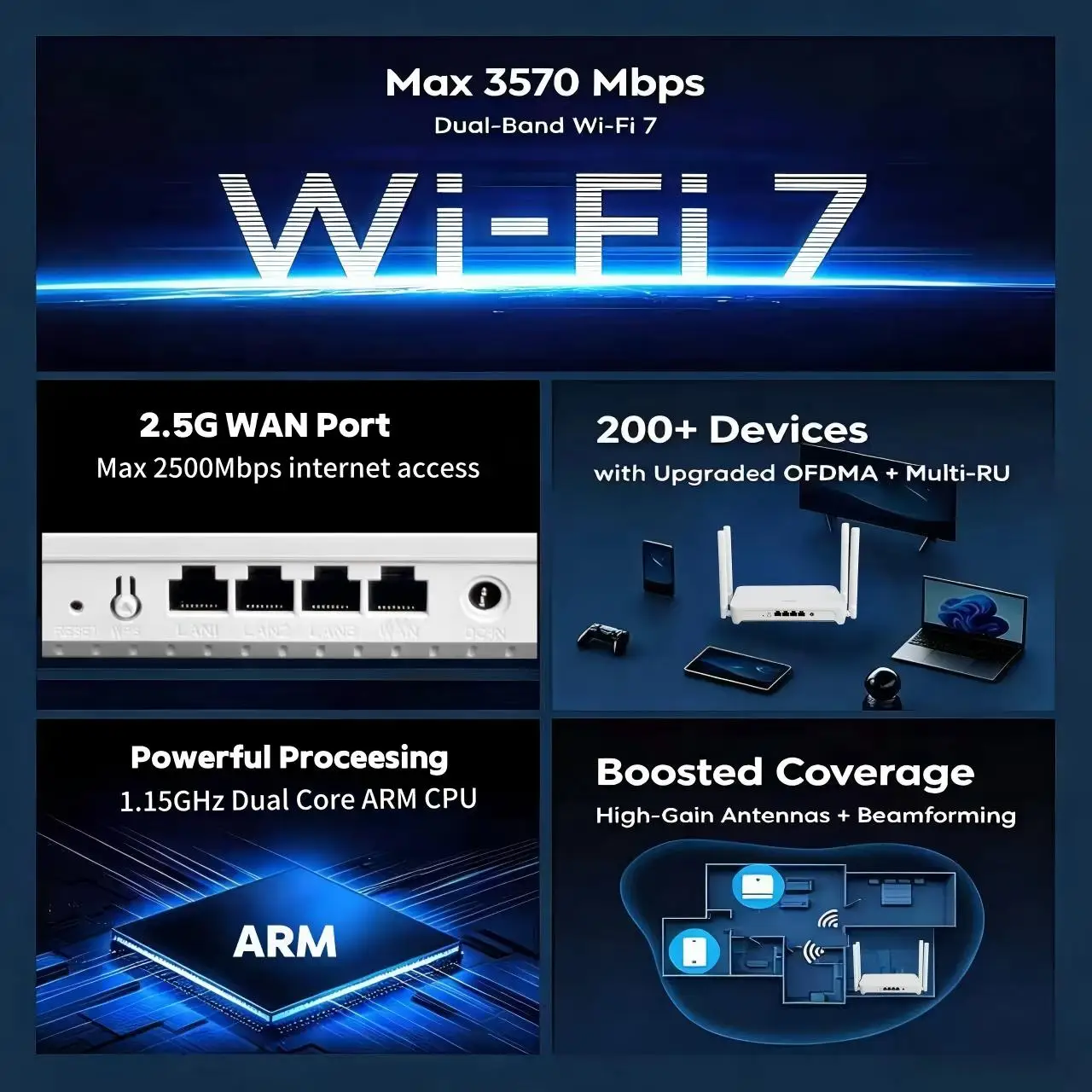
LANJADA BE3600 Stated Feature Highlights
Who Should Choose the LANJADA BE3600 Dual-Band Wi-Fi 7 Router?
The LANJADA BE3600 is positioned as a dual-band Wi-Fi 7 router for homes that use the familiar 2.4 GHz and 5 GHz bands. Its listing states support for 160 MHz channels, mesh networking, gaming acceleration, an advertised 3570 Mbps wireless class, and a 2.5 Gigabit Ethernet port. This is a specification-led assessment, not a hands-on performance test.
Its clearest fit is someone who specifically wants a newer Wi-Fi generation on 2.4 GHz and 5 GHz, plus a stated 2.5G wired connection. That combination may be appealing when replacing an older router or when a network includes newer wireless devices and a faster wired setup is part of the plan.
The key tradeoff is straightforward: this is not presented as a tri-band router with a 6 GHz band. A dual-band design can make sense when 2.4 GHz and 5 GHz are the bands you intend to use. Those shopping specifically for 6 GHz access, or seeking more band capacity for a device-heavy environment, should compare tri-band Wi-Fi 7 alternatives instead.
The advertised aggregate wireless class should be read as a category figure rather than a promise of device-level internet speed. Actual results depend on the internet service, client hardware, placement, interference, and network configuration. The strongest reason to consider this model is its stated feature mix, not an assumption about coverage or throughput.
Reasons to Consider It
- Seller-stated dual-band Wi-Fi 7 operation on 2.4 GHz and 5 GHz
- Seller-stated support for 160 MHz channels
- A 2.5 Gigabit Ethernet port is stated in the product title
- Mesh networking and gaming acceleration are advertised
Reasons to Compare Alternatives
- Not presented as a tri-band router
- Not presented with a 6 GHz Wi-Fi band
- Independent coverage and throughput testing is not part of this assessment
- Mesh expansion details should matter if you plan to build a multi-node system
Review the Router Details Before Ordering
Use the product page to make sure the LANJADA BE3600 matches the wired and wireless equipment already in your home.
View Current OfferCompatibility Checklist Before Buying
A short compatibility review can prevent the wrong router choice. Start with your internet plan and modem or gateway, then decide whether the stated 2.5G Ethernet port is useful for your wired setup. Consider the Wi-Fi capabilities of the phones, computers, consoles, and other devices you expect to connect. Plan a central, practical location for the router rather than assuming any placement will produce the same result. Finally, if whole-home expansion is important, establish whether the advertised mesh feature supports the type of additional hardware and management approach you want.<br><br>This checklist also puts the advertised 3570 Mbps class in context. Wireless class figures describe a theoretical product category, while the speed experienced by one device is shaped by the rest of the network.
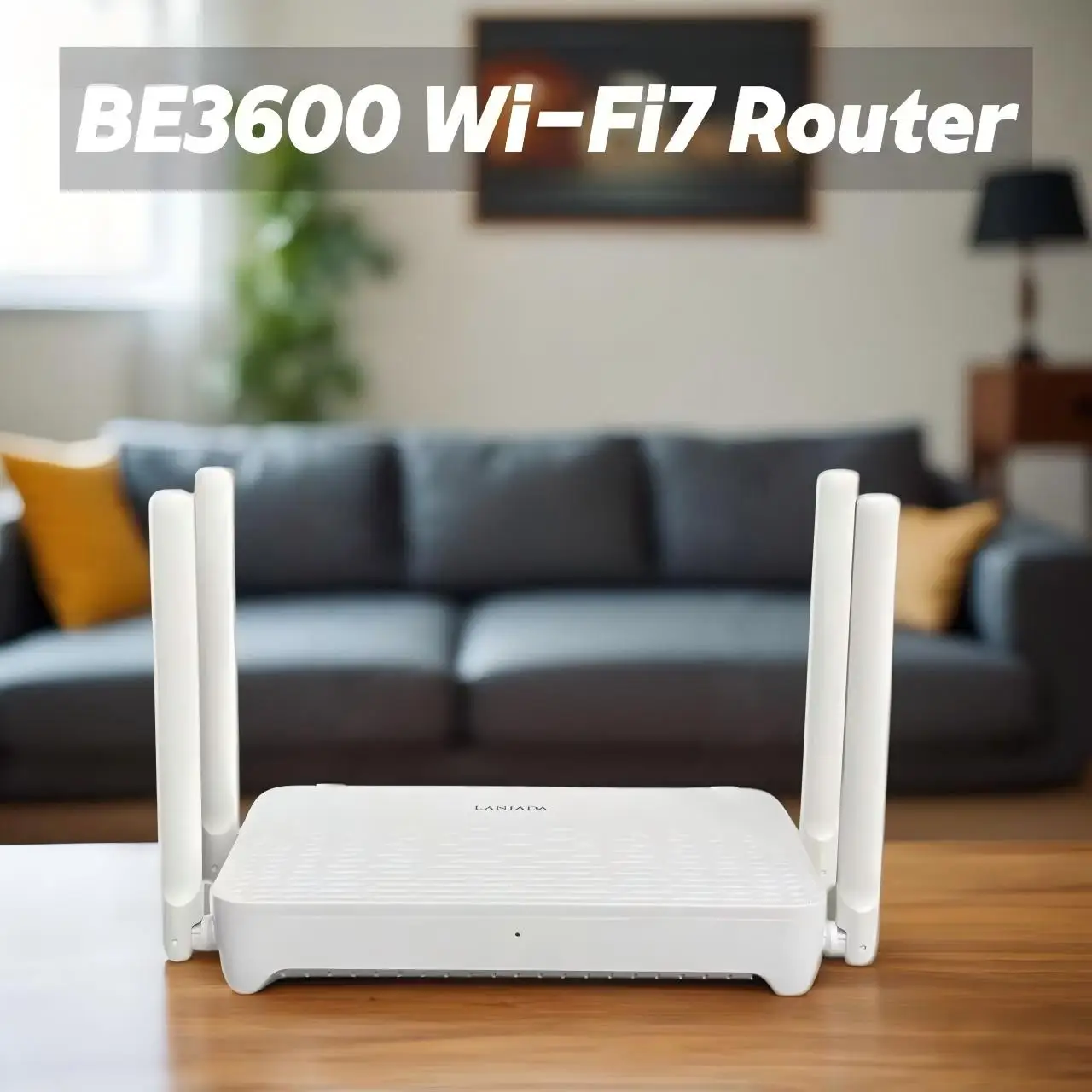
Dual-Band vs. Tri-Band: The Decision That Matters Most
The LANJADA BE3600 is described as a 2.4 GHz and 5 GHz router. That makes it a plausible choice for shoppers who want a dual-band Wi-Fi 7 feature set and have no specific need for 6 GHz connectivity. The stated 160 MHz support and 2.5G Ethernet port add useful points of interest for the right network plan.<br><br>Tri-band Wi-Fi 7 models add a 6 GHz band. They are the more relevant comparison for anyone who wants that band for compatible clients, expects particularly dense wireless use, or prefers to shop around for independently tested coverage and throughput evidence. Mesh networking and gaming acceleration can be useful feature categories, but their practical value depends on how the router's setup and traffic-management options fit your own network.
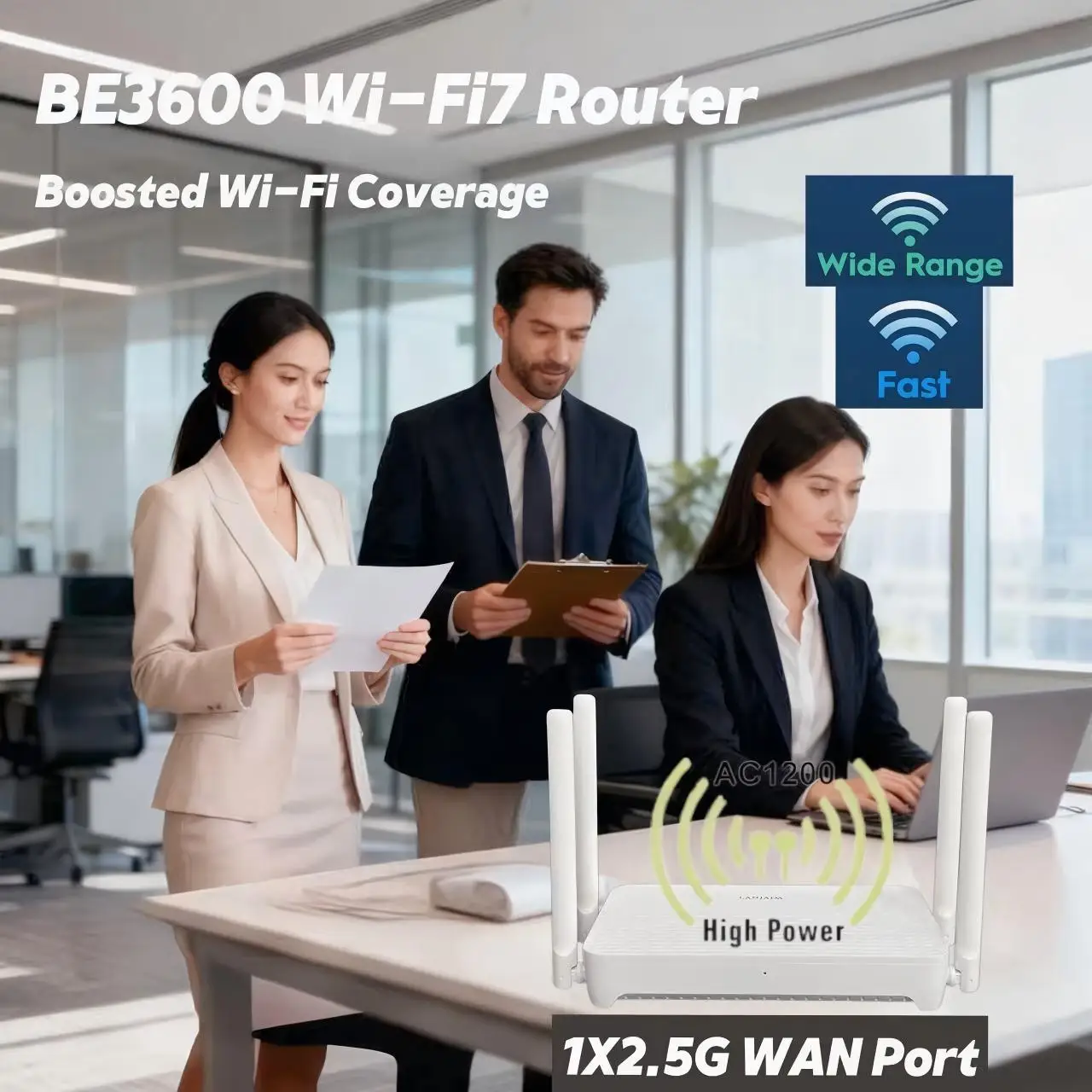
LANJADA BE3600 Wi-Fi 7 Router Questions
Is the LANJADA BE3600 a tri-band Wi-Fi 7 router?
No. The product title presents it as a dual-band router using 2.4 GHz and 5 GHz.
Does the LANJADA BE3600 have a 6 GHz Wi-Fi band?
The supplied product information identifies 2.4 GHz and 5 GHz bands, not a 6 GHz band.
What does the advertised 3570 Mbps rating mean?
It is an advertised aggregate wireless class figure. It should not be treated as a guaranteed internet speed or the speed any one device will receive.
Will a Wi-Fi 7 router work with older Wi-Fi devices?
Compatibility with older devices is an important pre-purchase point. Review the product's supported Wi-Fi standards and your device requirements before ordering.
What should I check before using the LANJADA BE3600 with a 2.5G internet plan?
Make sure your modem or gateway, Ethernet cabling, wired device, and service setup can support the connection you want. The product title states one 2.5 Gigabit Ethernet port.
Does mesh networking require compatible additional hardware?
It can. If you intend to add nodes, review the router's mesh requirements and supported hardware before building a multi-node network.
Final Take: A Focused Dual-Band Wi-Fi 7 Choice
Choose the LANJADA BE3600 if you want a router with its stated 2.4 GHz and 5 GHz Wi-Fi 7 design, 160 MHz support, mesh features, gaming acceleration, and 2.5G Ethernet port. If 6 GHz, established mesh ecosystem details, or independently tested coverage and throughput are priorities, broaden your comparison first.
View Current Offer