
Which Router Features Actually Matter for a Better Home Wi-Fi Setup?
Router spec sheets can be crowded with unfamiliar terms. This guide explains the features that genuinely affect coverage, capacity, reliability and control in a typical UK home.

Router listings tend to make every specification sound essential. In reality, the features that matter most depend on your broadband service, the size and layout of your home, and how many devices are online at once. A faster-looking Wi-Fi label alone does not guarantee stronger coverage, lower latency or a more reliable connection. The useful approach is to identify the bottleneck you are trying to solve, then focus on the few router capabilities that address it.
Start with the problem, not the specification list
A router can only improve the part of the network it controls. If your broadband line is unstable, slow at the point it enters the home, or subject to an outage, replacing the router will not fix the underlying service. Test a wired device connected to the router where practical before assuming Wi-Fi is at fault.
If speeds are good beside the router but poor in distant rooms, coverage and placement are the priorities. If the connection becomes sluggish when several people stream, game, video call or use smart-home devices, capacity and traffic management matter more. If a single room is difficult to reach, a mesh system or a wired access point may be more appropriate than one increasingly powerful standalone router.
- Check whether the issue occurs on Wi-Fi only or also over a wired connection.
- Consider walls, floors, foil-backed insulation, large appliances and neighbouring networks, all of which can affect wireless signals.
- Count active devices during busy periods, rather than simply counting every device owned.
- Check the speed supplied by your broadband package so that the router's internet port is not a constraint.

Wi-Fi generation matters, but it is not the whole story
The Wi-Fi generation is a useful indicator of the technologies a router supports. Wi-Fi 6 and Wi-Fi 6E can improve efficiency in homes with many compatible devices, particularly where several are sharing the network. Wi-Fi 7 adds further capability, but its practical benefit depends on having compatible client devices and a broadband connection or local network that can make use of it.
Older devices can usually connect to newer routers because Wi-Fi standards are designed to be backwards compatible. However, an older phone, laptop or smart device will not gain every benefit offered by a newer standard. It is often more important to choose a stable, well-supported router with suitable coverage than to pay for the newest label alone.
- Wi-Fi 6 is a sensible baseline for many busy modern households.
- Wi-Fi 6E introduces access to the 6 GHz band for compatible devices, where it is permitted and available.
- Wi-Fi 7 may be worthwhile when buying for long-term use, but do not assume it transforms performance for older devices.
- Treat headline wireless speed ratings as theoretical aggregate figures, not a promise of real-world speed in every room.
For a deeper look, see How Often Should You Replace Your Wi-Fi Router? Signs It Is Time to Upgrade.
Choose the right bands for your home
Most current routers are dual-band, using 2.4 GHz and 5 GHz. The 2.4 GHz band generally reaches further and handles obstacles better, but it is often busier and offers less capacity. The 5 GHz band usually provides higher performance at shorter range. Some newer routers also offer 6 GHz, which can provide cleaner wireless space for compatible nearby devices.
Tri-band routers have an additional band. This can be useful in a mesh system because one band may be used for communication between mesh nodes, known as wireless backhaul. That arrangement can preserve capacity for phones, laptops and other client devices. It is less important if mesh units are connected by Ethernet, since wired backhaul avoids that wireless trade-off.
- Use 2.4 GHz for many low-bandwidth smart-home devices and devices far from the router.
- Use 5 GHz for most phones, tablets, laptops and streaming devices when signal strength is good.
- View 6 GHz as a capacity and interference benefit for compatible devices, not a universal range upgrade.
- Avoid splitting bands into separate network names unless you have a clear reason to manage connections manually.
Coverage is more important than peak speed in larger homes
A single router is often enough for a compact home when it can be placed centrally and in the open. In a larger, taller or unusually constructed property, trying to cover every room from one corner can lead to weak signals and inconsistent connections. The answer is not always a router with bigger advertised speed figures.
Mesh Wi-Fi is designed to extend coverage through multiple coordinated units using one network name. It can be convenient, but placement still matters. A mesh node installed in a complete dead zone has little useful signal to repeat. Put it where it can still communicate reliably with the main unit while being closer to the area that needs better coverage.
Where possible, Ethernet cabling between the main router and an additional access point or mesh node is among the most dependable ways to extend a network. It reduces reliance on wireless links between units and is especially helpful across floors or through dense internal walls.
- Place the main router away from cupboards, floor level, thick masonry and large metal objects.
- Do not hide mesh nodes behind televisions or inside cabinets.
- Add coverage in stages and reassess after moving equipment before buying more units.
- Consider an access point with Ethernet backhaul when reliable cabling is available.
Look for enough Ethernet ports and the right port speeds
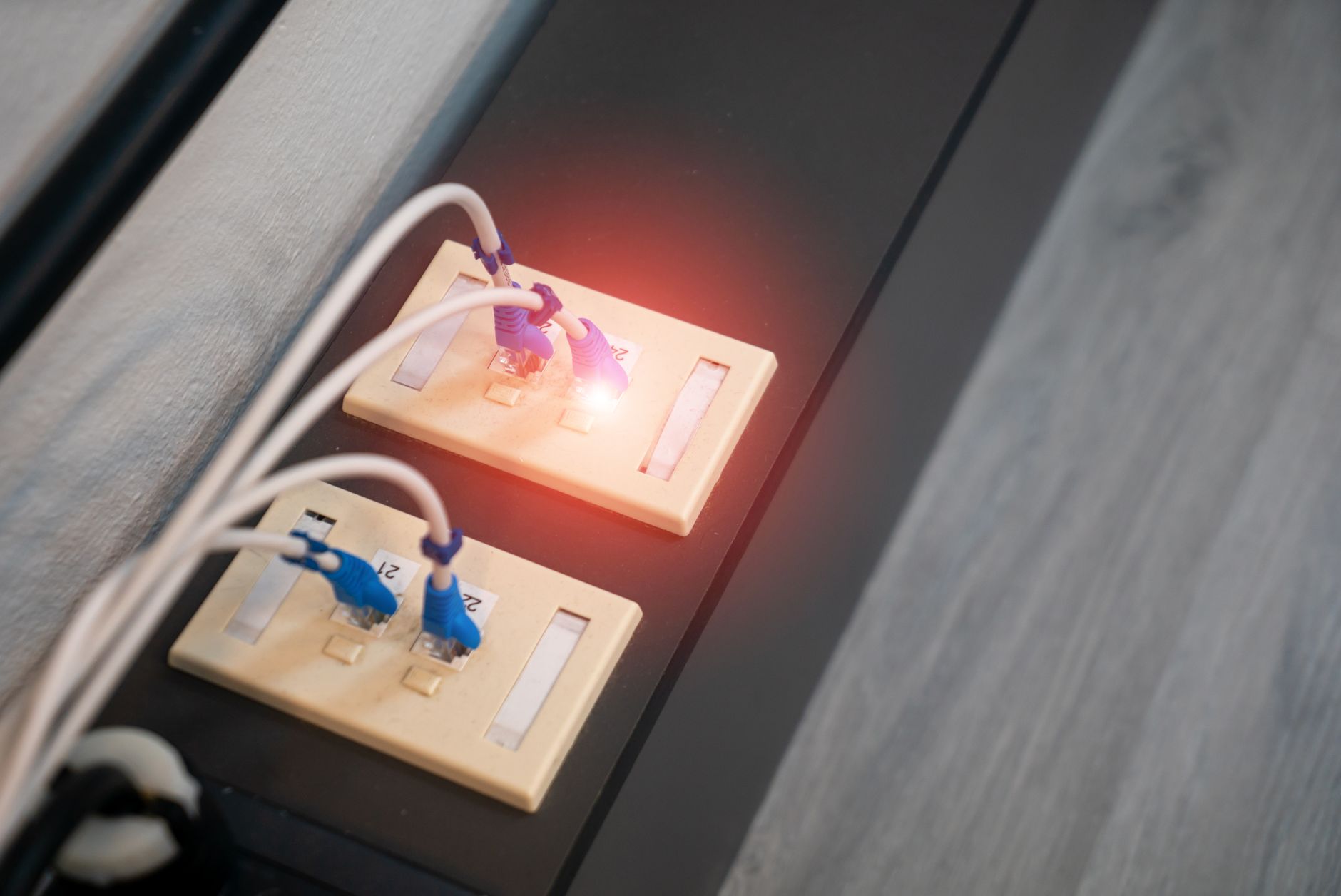
Wi-Fi gets most of the attention, but wired connections remain valuable for fixed devices such as desktop PCs, games consoles, televisions, network storage and additional access points. Ethernet is less affected by radio interference and can free wireless capacity for portable devices.
Check both the number of LAN ports and their capabilities. A router may have several Ethernet ports but only a limited number available after connecting wired equipment. The WAN or internet port also needs to support the speed of your broadband service. Multi-gigabit ports can matter for faster services or rapid local transfers, but they are unnecessary if every connected service and device is limited to standard gigabit Ethernet.
- Identify devices that would benefit from a stable wired connection before choosing a router.
- Check whether the WAN port supports your broadband speed.
- If you need more wired connections, an Ethernet switch can add ports without replacing the router.
- Do not confuse a USB port with an Ethernet port. They serve different purposes.
Security updates and network controls deserve priority
A router is the gateway between your home network and the internet, so ongoing software support is a core feature rather than a bonus. Choose a model from a manufacturer with a credible record of issuing firmware updates, and enable automatic updates where available. Replace equipment that no longer receives security fixes.
WPA3 is the current Wi-Fi security standard and is worth having, though WPA2 compatibility may still be needed for older devices. Use a strong, unique Wi-Fi password and change the router administrator password from its default. These two passwords should not be the same.
Guest-network support is useful for visitors and can also help isolate less trusted devices. Some routers offer separate networks for smart-home equipment, parental controls, device profiles and basic activity controls. These features can be genuinely helpful, but review their privacy settings and avoid relying on cloud-based controls you do not need.
- Enable automatic firmware updates if the router offers them.
- Use WPA3 where your devices support it, or a secure mixed mode where necessary.
- Create a guest network rather than sharing your main network password with visitors.
- Disable remote administration unless you actively need it and understand how it is secured.
Capacity features help when many devices share the connection
In a busy home, the router's ability to manage simultaneous traffic can matter more than its highest claimed speed. Technologies such as OFDMA and MU-MIMO are intended to help compatible routers serve multiple devices more efficiently. Their effect varies with the devices in use, signal conditions and the type of activity taking place, so they should be viewed as useful supporting features rather than guarantees.
Quality of Service, often shortened to QoS, can let you prioritise certain traffic or devices. This may help if video calls or online gaming suffer when someone starts a large download. A simple, well-implemented QoS option is usually more useful than an elaborate menu that is difficult to configure. It cannot create extra broadband capacity, but it can influence how available capacity is shared.
- Prioritise stable calls, work devices or gaming only when congestion is a real issue.
- Avoid complex manual rules unless you understand what they do.
- Remember that a weak Wi-Fi signal and a congested broadband connection are different problems.
- Restarting a router may temporarily clear a fault, but repeated problems deserve investigation.
Features that are useful only in specific situations
Some router features are valuable, but only for particular setups. USB sharing can make a printer or storage drive available on the network, although it may be less convenient and less secure than dedicated alternatives. Built-in VPN functions can be useful for remote access or routing selected traffic, but configuration and performance limitations should be understood first.
A DSL modem is necessary only for certain broadband connections. Many UK fibre and cable services use a separate modem or optical network terminal, so the router needs the appropriate Ethernet WAN connection instead. If you use an ISP-supplied hub, check whether it can be placed in modem mode or whether the new router can work alongside it before changing equipment.
- Check your broadband connection type before assuming any router will connect directly.
- VPN, USB storage and advanced firewall tools are best chosen for a clear use case.
- Mobile broadband backup can be helpful where internet continuity is critical, but requires compatible hardware and a suitable data arrangement.
- Voice services supplied through an ISP hub may affect how easily you can replace that hub.
Common router-buying mistakes to avoid
The most common mistake is buying on maximum advertised Wi-Fi speed alone. Those figures are calculated under favourable conditions, often combine several bands and do not account for walls, interference, client-device limits or internet speed. They are not a direct measure of the connection a single laptop will receive in a back bedroom.
Another mistake is overlooking software support and usability. A router with a clear setup process, understandable settings and regular updates is often the better long-term choice than one packed with features that are difficult to manage. Finally, avoid treating extenders as a universal cure. They can help in some cases, but poorly positioned extenders may repeat an already weak signal and reduce available wireless capacity.
- Do not buy a high-end wireless standard solely for devices that cannot use it.
- Do not expect a router to repair a fault in the broadband line or ISP service.
- Do not place all networking equipment in the most convenient cupboard if it harms signal coverage.
- Do not leave default administrator credentials or outdated firmware in place.

Focus on fit, support and placement
The router features that actually matter are the ones that match your connection and solve your home’s real network problem. For most households, that means a current Wi-Fi standard, adequate coverage or mesh expansion, suitable Ethernet ports, strong security support and straightforward management. Start by separating broadband issues from Wi-Fi issues, position equipment carefully, and favour reliable coverage and software updates over impressive-sounding headline figures.
