
How Often Should You Replace Your Wi-Fi Router? Signs It Is Time to Upgrade
A Wi-Fi router does not need replacing on a fixed schedule. The right time depends on security support, reliability, coverage, and whether it still meets the demands of your home.

There is no single replacement schedule that fits every Wi-Fi router. A router can remain useful for years if it receives security updates, covers your home reliably, and supports the devices and internet plan you use. It is time to consider replacing it when those basics are no longer true, not simply because a newer model exists.
Start with security support, not age alone
The most important reason to retire an older router is the end of software and security support. Routers sit at the edge of your home network, so unpatched security issues can affect every connected device. Check the manufacturer’s support page or router administration app to see whether firmware updates are still available for your exact model.
If the manufacturer has ended support, replacement is generally the safer choice, especially if the router is exposed to remote-management features or has not received an update in a long time. Installing the latest available firmware is worthwhile, but it does not solve the problem of a device that will no longer receive fixes.
- Check for firmware updates before deciding the router has failed.
- Turn off remote administration unless you specifically need it.
- Use a unique router administrator password and modern Wi-Fi security settings, if supported.
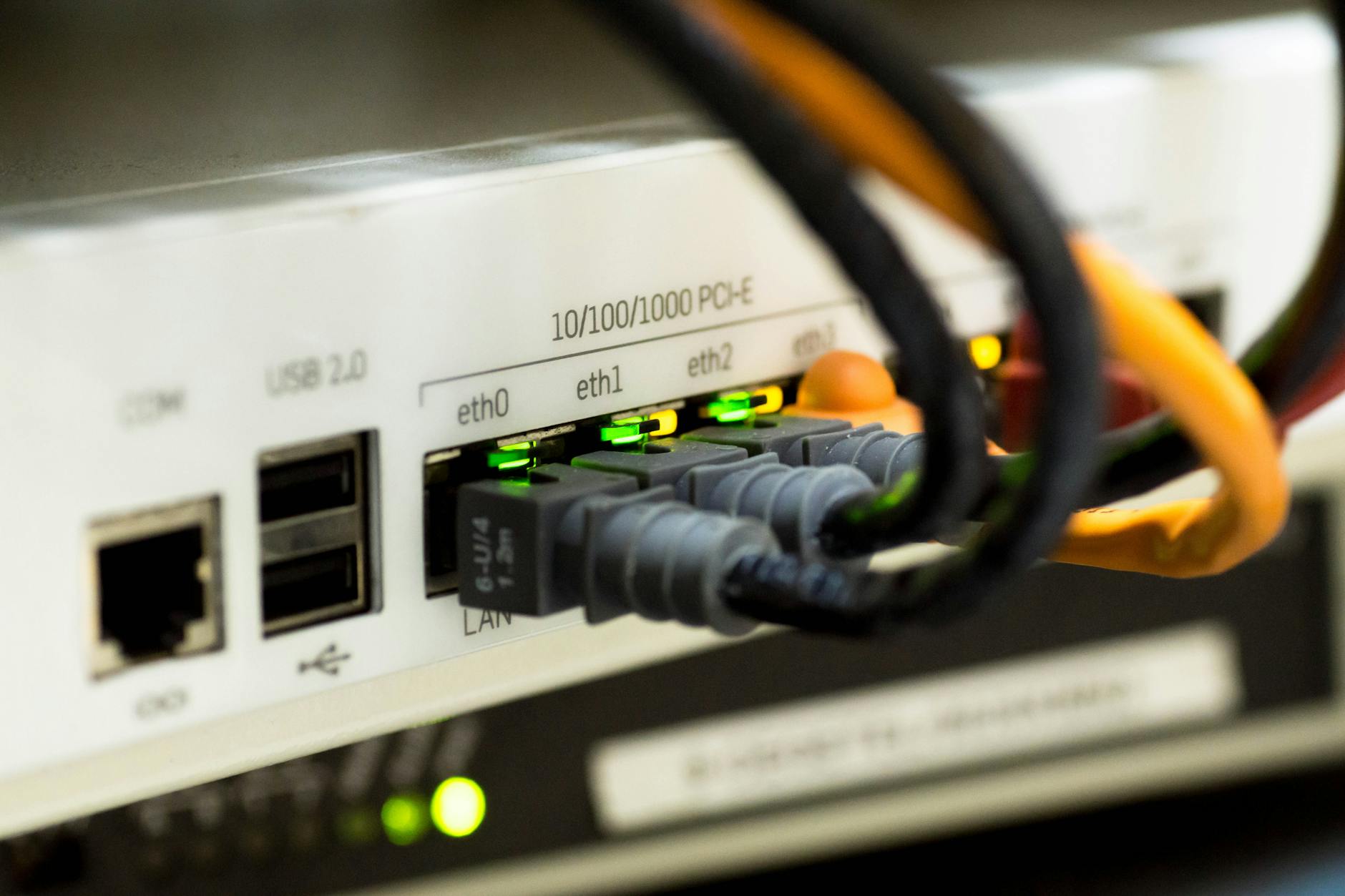
Replace a router when it no longer meets your household’s needs
A router that worked well in a smaller or less connected home may struggle after your needs change. More phones, computers, televisions, game consoles, smart-home devices, video calls, and streaming can make shortcomings more obvious. The issue may be capacity, coverage, or compatibility rather than a complete hardware failure.
Consider an upgrade if important rooms regularly have weak or unstable Wi-Fi, if devices drop off the network, or if the router cannot support the Wi-Fi capabilities used by newer devices. A newer router may also be appropriate after upgrading to a faster internet plan, but only when testing shows that the existing router is actually the bottleneck.
- Wi-Fi is consistently weak in rooms where you need it most.
- Video calls or streaming fail even when your internet service is otherwise working normally.
- Newer devices have connection features your current router cannot use.
- The router has too few Ethernet ports or lacks features your setup now requires.
For a deeper look, see How to Choose the Best Wi-Fi Router for Your Home.
Rule out problems that an upgrade will not fix
Slow or unreliable Wi-Fi does not automatically mean the router is obsolete. An outage or performance issue from your internet provider, a damaged cable, poor router placement, neighboring wireless interference, or a single malfunctioning device can produce similar symptoms.
Before replacing hardware, restart the modem and router, install current firmware, and test a wired device if possible. A wired test can help separate an internet-service problem from a Wi-Fi problem. Also move the router to an open, central location away from dense walls, large metal objects, and electronics that may create interference. If coverage is the only problem, changing placement or adding an appropriately configured access point or mesh node may be more useful than replacing a functioning router with another single unit.
- Test multiple devices, rather than judging the network by one phone or laptop.
- Compare wired and wireless performance when you can.
- Check whether the problem occurs at certain times or only in certain parts of the home.
- Avoid placing the router inside a cabinet, behind a television, or on the floor.

Watch for reliability and hardware warning signs
Hardware can wear out or become unreliable over time. Frequent unexplained restarts, settings that do not save, ports that stop working, or a router that becomes unusually hot can point to a problem worth investigating. A persistent failure after a reset and firmware update is a practical reason to replace the device.
Do not confuse occasional internet outages with router failure. Look for repeatable patterns: Wi-Fi disappears while the modem remains connected, several devices lose access at once, or the router needs repeated restarts to resume normal operation. Those signs are more meaningful than a one-off slow connection.
- Repeated reboots are needed to restore a stable connection.
- Wireless networks vanish or devices disconnect across the home.
- Ethernet ports or indicator lights behave inconsistently.
- The router cannot retain its configuration after routine power interruptions.
Choose the replacement decision based on your setup
When replacement is warranted, begin with your home and connection rather than the most advanced feature list. Consider the size and layout of the space, the materials between rooms, the number of active devices, and whether you need wired connections for stationary equipment. A large or multi-level home may need a multi-point network design, while a smaller home may be well served by a single well-positioned router.
Compatibility matters as well. Confirm that the router works with your internet service and any provider-supplied modem or gateway. If you keep the provider’s gateway, you may need to adjust its settings to prevent two devices from trying to manage routing at the same time. Save your current network name and password if you want compatible devices to reconnect with less setup, while still using a strong password and current security option.
- Match the network design to coverage needs, not just advertised speed.
- Check modem, gateway, and internet-service compatibility before purchasing.
- Plan where the router or additional network nodes will sit.
- Update connected smart-home devices if changing the network name or password is necessary.
If you're comparing options, see Best Tri-Band Wi-Fi 7 Router: How to Choose the Right 6 GHz Router for Your Home.
The practical answer
Replace your Wi-Fi router when security support ends, recurring reliability issues cannot be resolved, or the device no longer provides the coverage, capacity, and compatibility your household needs. If it is supported, stable, and meeting those needs, there is no reason to replace it on a fixed calendar. A few basic checks can prevent an unnecessary upgrade and make sure a new router solves the right problem.

Robson Calefi Caitano
Robson Calefi Caitano is a technology professional with decades of experience in web development, internet infrastructure, and digital products. He holds a degree in Data Processing and has been a co-founder of an Internet Service Provider since 2000.
View author profile