
Where Should You Place Your Wi-Fi Router for Better Coverage?
Router placement can make a major difference to Wi-Fi coverage. Here is how to choose a practical location and avoid the obstacles that weaken a wireless signal.

The best place for a Wi-Fi router is usually a high, open, central location in the part of your home where you use the internet most. That simple rule helps, but real homes have walls, wiring constraints, multiple floors, and rooms with very different needs. Good placement is about giving the signal the clearest possible path to the devices that matter, rather than hiding the router wherever it is least visible.
Start as close to the center of your home as possible
Wi-Fi spreads outward from the router, so a router placed near the middle of the living area generally provides more balanced coverage than one located at an exterior wall, in a basement corner, or at one end of the house. A central location reduces the number of walls and other obstacles between the router and commonly used devices.
The ideal center is not necessarily the geographic center of the building. Think instead about where your important connected devices are used. If you work from a home office, stream in the living room, and use phones throughout the main floor, a spot reasonably central to those areas is more useful than a location chosen only because it is the midpoint of the floor plan.
In a multi-story home, placing the router on a middle floor can help serve both the level above and below. If it must sit on the top or bottom floor, position it near an open stairwell or another relatively open path when practical.
- Prioritize the areas where video calls, work, gaming, and streaming happen most often.
- Favor a central living space over a utility room or a far-off bedroom.
- If your internet connection enters the home in a poor location, consider whether your provider can relocate the connection or whether wired networking can bring the router closer to the area you need to cover.
For a deeper look, see How Many Mbps Do You Need for Home Wi-Fi? A Practical Way to Choose.

Keep the router out in the open and off the floor
Place the router on a shelf, desk, table, or wall-mounted position rather than directly on the floor. A higher position gives the signal fewer low-level obstructions, such as furniture, appliances, and people moving through the room.
Open space around the router matters too. Avoid putting it inside a closed cabinet, media console, drawer, closet, or decorative storage basket. These locations can block or absorb part of the wireless signal and may also trap heat around the equipment.
A visible router is not always the most attractive design choice, but moving it even a short distance into a more open spot can be more effective than trying to solve a placement problem by repeatedly changing settings.
- Choose a stable, ventilated surface with space around the router.
- Avoid placing it behind a television or inside a dense entertainment center.
- Keep cables tidy, but do not let cable management force the router into an enclosed space.
Avoid materials and objects that interfere with Wi-Fi
Walls and floors naturally weaken a Wi-Fi signal, but some materials are more troublesome than others. Concrete, brick, stone, plaster with metal reinforcement, metal framing, mirrors, and large metal appliances can make it harder for a signal to reach nearby rooms. Water also affects wireless signals, which is one reason an aquarium can be a poor neighbor for a router.
Keep the router away from large metal objects and avoid placing it immediately beside major appliances. Kitchens, laundry areas, garages, and utility spaces can be challenging locations because they often contain appliances, pipes, ductwork, or dense building materials.
Other radio devices can also contribute to interference. Cordless phone bases, baby monitors, Bluetooth-heavy setups, and microwave ovens may affect some connections, particularly when the router is very close to them. You do not need to eliminate every electronic device from the room, but separation is helpful.
- Do not place the router behind a refrigerator, near a microwave, or beside a large metal filing cabinet.
- Avoid locating it next to an aquarium or in a room with extensive concrete or brick barriers.
- Move the router away from other wireless electronics if you notice short, repeatable dropouts when those devices are active.
Match the location to the Wi-Fi band you use
Many routers use more than one Wi-Fi band. In general, lower-frequency connections tend to travel farther and handle walls better, while higher-frequency connections can provide strong performance at shorter range but lose strength more quickly through obstacles. This makes placement especially important if devices rely on a higher-frequency connection.
A central, open router location gives shorter-range bands their best chance of reaching key rooms. If a device is far from the router or separated by several dense walls, it may work more reliably on a band that reaches farther, depending on the router and device settings.
Do not judge placement only by whether a phone shows a Wi-Fi icon. Test the specific activities that matter in each room, such as a video call in an office, a stream on a television, or a file upload from a workstation. A connection can appear available while still being inconsistent for demanding tasks.
- Test coverage in the rooms where reliable performance matters most.
- Check more than one device, since antennas and Wi-Fi capabilities differ between devices.
- Retest after moving the router, rather than assuming the new position is better based on proximity alone.
If you're comparing options, see Best Tri-Band Wi-Fi 7 Router: How to Choose the Right 6 GHz Router for Your Home.

Use the router's antenna design correctly
If your router has external adjustable antennas, their position can influence coverage patterns. As a practical starting point, set one antenna vertically and another horizontally when the router has multiple antennas. This can help accommodate devices that are held or positioned in different orientations.
Do not assume that pointing every antenna toward a distant room will send Wi-Fi in that direction like a spotlight. Router antennas generally radiate around them in a pattern, and the building layout has a large effect on the final result. Small adjustments followed by testing are more useful than extreme positioning.
For routers with internal antennas, placement and orientation of the whole unit are the main variables. Follow the manufacturer’s guidance if it specifies whether the router should stand upright, lie flat, or be mounted in a particular direction.
- Keep external antennas clear of walls, metal surfaces, and large objects where possible.
- Make one change at a time, then test in the rooms you are trying to improve.
- Do not block router vents while adjusting its position.
Common router placement mistakes
A frequent mistake is treating the router like equipment that should be hidden. A closed cabinet or a basement utility room may be convenient, but it often creates weak coverage where people actually use their devices. Another common issue is putting the router at the far edge of the home because that is where the incoming cable happens to be installed.
Placing the router directly behind a TV is also easy to overlook. Televisions, mounts, game consoles, sound systems, and the furniture around them can create a crowded environment for wireless signals. Moving the router to an open shelf nearby may improve coverage without changing anything else.
Finally, avoid trying to fix a basic coverage gap solely through software changes. Updating firmware, selecting a less crowded Wi-Fi channel, and restarting equipment can all be worthwhile troubleshooting steps, but they cannot fully overcome a router that is enclosed or badly positioned.
- Hiding the router in a closet, cabinet, basement, or garage.
- Putting it on the floor or behind a TV.
- Locating it beside a microwave, large appliance, aquarium, or metal furniture.
- Placing it at one extreme end of the home without a plan to cover distant rooms.
When moving the router is not enough
Some homes are simply difficult to cover from one router. Large floor plans, long narrow layouts, thick masonry, multiple stories, and detached work areas can all create persistent dead zones. In those situations, router placement still matters because it establishes the strongest possible starting point, but additional network hardware may be appropriate.
A mesh Wi-Fi system can extend coverage using multiple coordinated access points. Wired access points can also be useful where Ethernet cabling is available. The best approach depends on the layout, construction, and whether you can place additional equipment in open, useful locations.
Before adding hardware, test a few reasonable router positions. If the issue affects only one distant room, a small relocation may solve it. If several separated areas have weak or unreliable connectivity, a broader coverage plan is likely more sensible.
- Consider additional access points or a mesh system for widespread dead zones.
- Use wired connections for stationary, high-priority devices when feasible.
- Place any additional Wi-Fi point in an open area between the main router and the weak-coverage area, not deep inside the dead zone.
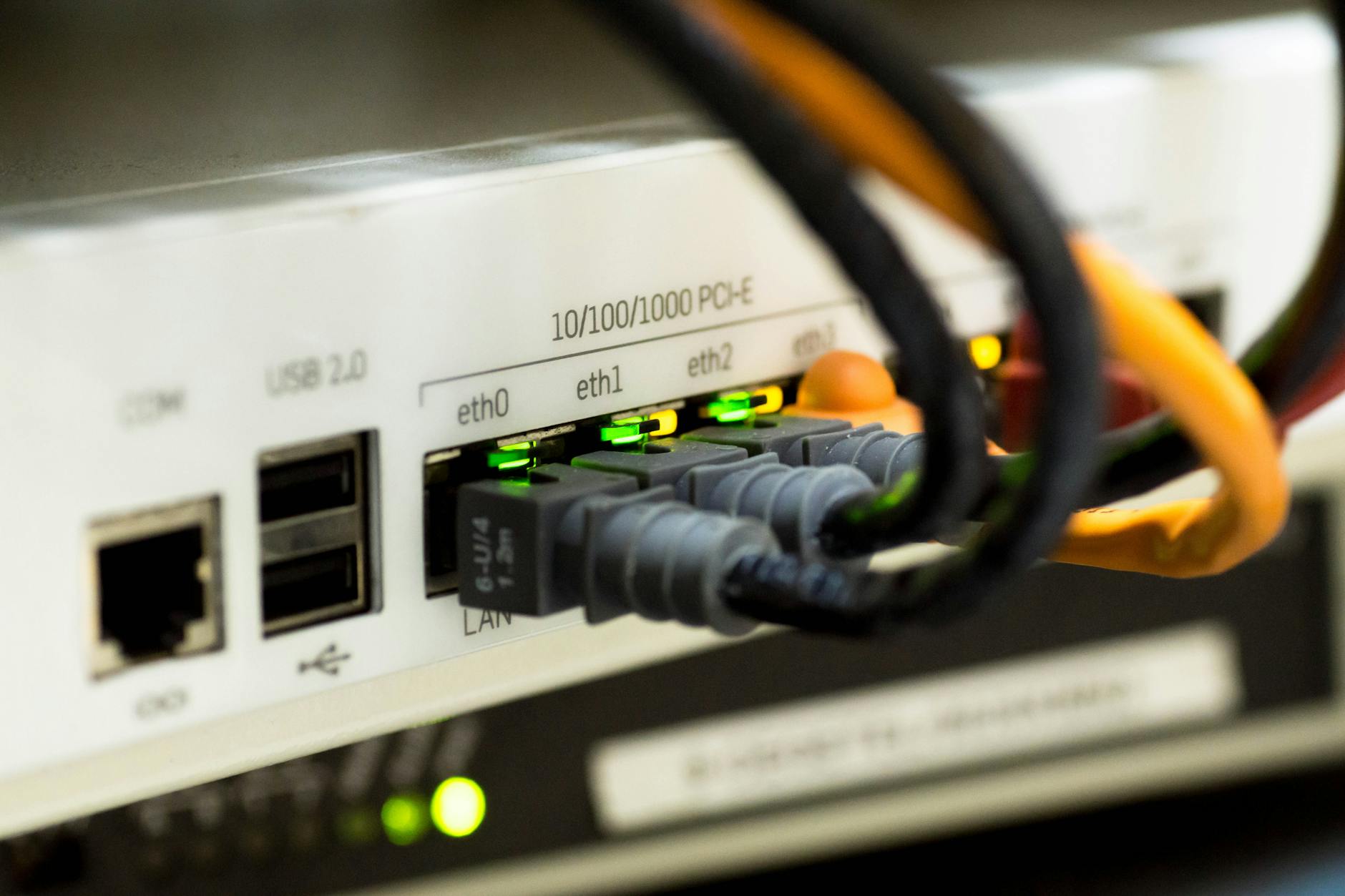
A good router location is open, elevated, and close to where you connect
Start with an open, elevated spot near the center of your active living space, then test your important rooms and adjust from there. Keep the router away from dense materials, large metal objects, appliances, and enclosed furniture. If a sensible location still leaves major gaps, the limitation may be your home’s layout rather than a placement mistake, and expanding the network can be the next step.

Robson Calefi Caitano
Robson Calefi Caitano is a technology professional with decades of experience in web development, internet infrastructure, and digital products. He holds a degree in Data Processing and has been a co-founder of an Internet Service Provider since 2000.
View author profile